Device rollout and management
Preparation, configuration, Autopilot, MDM and delivery – one service: from the batch in the warehouse to the device with the employee or in the room, in stages.
-
 Imaging or Autopilot – per model
-
MDM enrollment before delivery
-
Staged delivery, including direct-to-employee
The batch arrives
Receipt at our warehouse: serial numbers, a visual check and records per model.
Preparation
Classic imaging or Autopilot – per model and location. The two can even mix in the same batch.
MDM enrollment
Windows into Intune/Entra ID, Android into Zero-Touch/Knox, Apple into Apple Business Manager.
Delivery
Packing by location, floor or user and staged delivery – including shipping directly to the employee.
Batch logistics
- Batch receipt: serial numbers and a visual check
- An asset tag per your labeling scheme
- Packing by location / floor / room / user
- Staged delivery – including shipping directly to the employee

What you give and what you get
You hand us: the tenant or a CSV/profile, licences, the application list or kiosk policies, and the labeling scheme.
You get back: a list per device – model, SN, hardware hash, enrollment status and destination.
Not included: permanent administration of your Intune after the rollout and a 24/7 helpdesk. When needed we help with a basic Autopilot/Intune profile for this deployment – further management stays with your IT team.
Path A
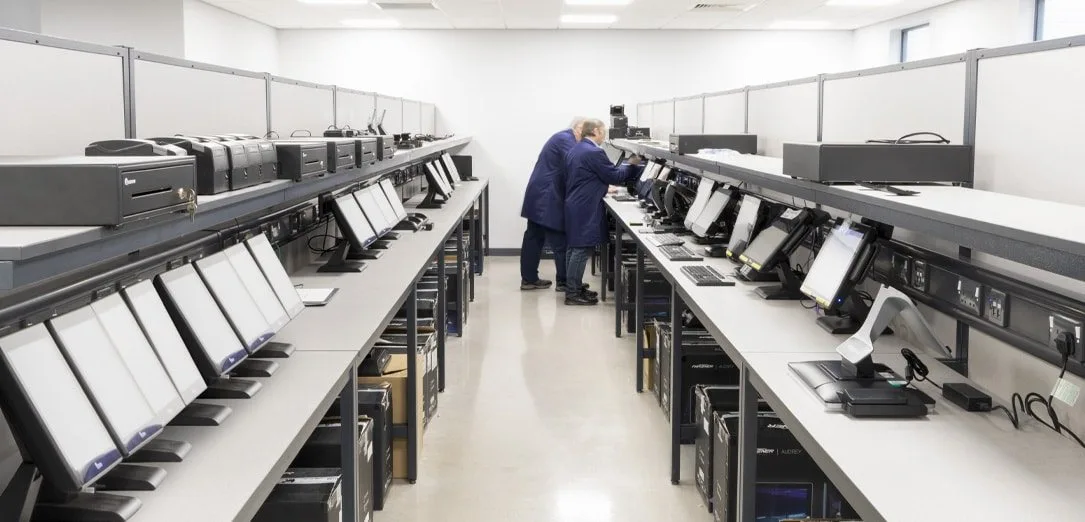
Classic imaging
The client provides a WIM / USB / ISO and an application list. We deploy the image, the drivers and run a boot test before delivery.
Path B
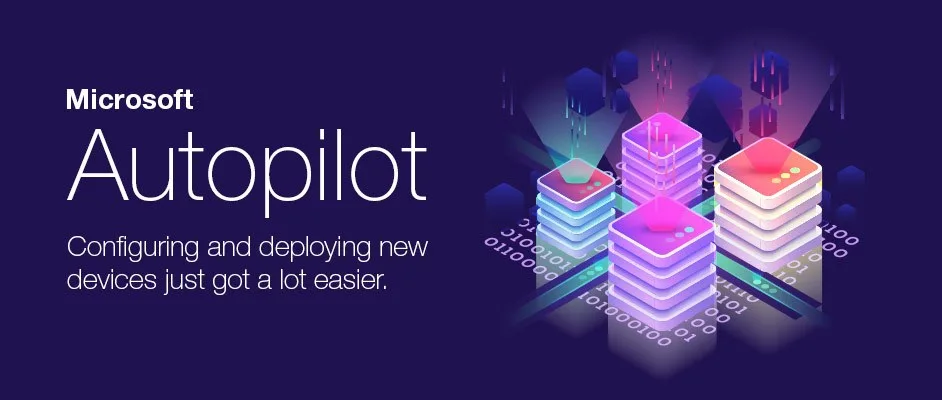
Autopilot / zero-touch
We collect the hardware hash, register it in the tenant and apply the Autopilot profile. Either registration only – or white-glove pre-provisioning at our site, then delivery ready for the first plug-in.
MDM enrollment
Devices join your environment before delivery
Per platform – Windows, Android and Apple take different paths, but the result is the same: the device out of the box or off our staging already belongs to your organization.

Windows – Autopilot + Intune / Entra ID
New Windows devices do not have to go through imaging: we collect the hardware hash and register them into your tenant before delivery. The first time an employee connects and signs in, Autopilot itself applies the profiles, apps and policies through Intune, and the device becomes known to the Entra ID environment.
What we need from you
An Entra ID tenant with an Intune licence and an Autopilot profile – or access to create one for this batch.
What we do
We collect the hardware hash, register the devices and test the first sign-in flow. White-glove pre-provisioning is available by agreement.
Android tablets – Zero-Touch / Knox / kiosk
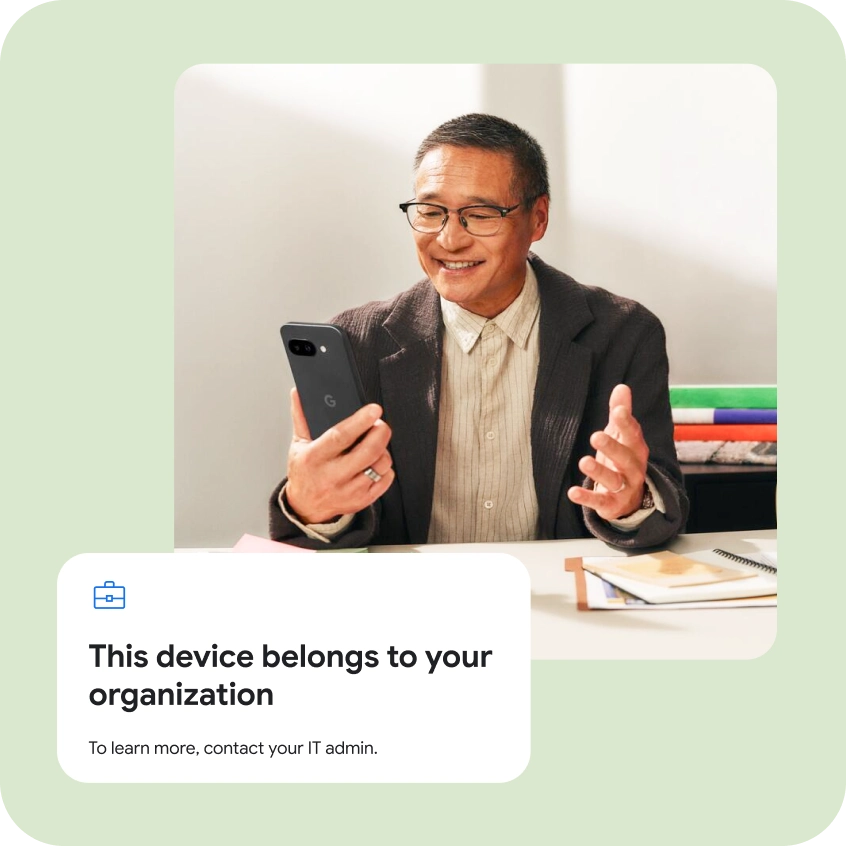
Android devices from our delivery enroll without opening the box: we upload the IMEI lists to the Zero-Touch or Knox portal, and the device registers itself into the MDM at first power-on. The employee signs in through Company Portal, and tablets for receptions, rooms and warehouses get a kiosk mode – only the app that is needed runs.
What we need from you
A Zero-Touch account or Knox portal and the MDM tenant you manage.
What we do
We upload the IMEI lists, set up the enrollment profiles and kiosk policies per the purpose of each device.
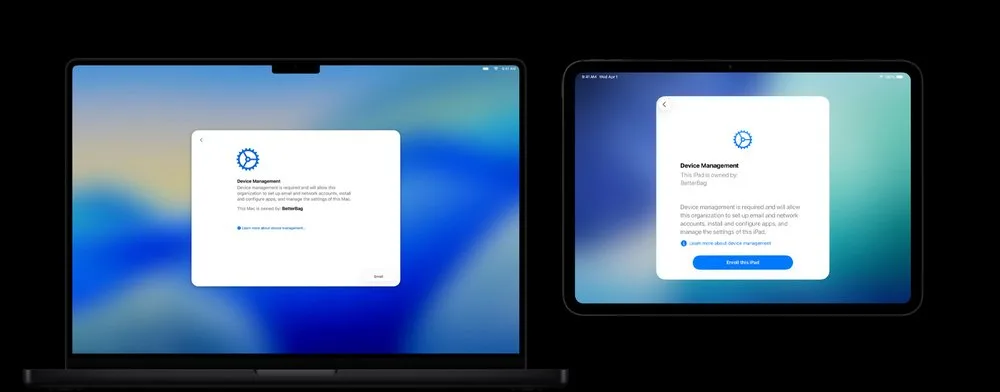
Apple – Apple Business Manager (ADE)
Apple devices we supply are registered to your Apple Business Manager account through the Apple partners we work with. At first power-on, the device automatically enrolls in MDM through ADE, in supervised mode – no manual registration and no option for the user to skip it.
What we need from you
An Apple Business Manager account and the MDM server the devices enroll into.
What we do
We coordinate device registration in ABM through the Apple partners we work with, link the devices to the MDM server and test their first startup.
PC depot
The whole life cycle of employee equipment – under one record
Delivering a batch is only the beginning: we keep the record of who has which device, take it back when an employee leaves, wipe the data and prepare it for the next user.
Issuing
The device goes to the employee with a record: who, what and when it was taken – per your labeling scheme, with a handover confirmation.
Device return
An employee leaves or a device is replaced: we organize the return – from courier delivery to receipt and condition check.
Data wipe
Secure erasure to the standard the client requires, with a report per serial number – company data stays off the device.
Ready for reuse
The device goes through imaging or Autopilot preparation and moves to the next employee – the fleet lasts longer, with no new procurement.
The depot runs alongside batches we are already preparing, or as a standalone contract – the record stays yours, the logistics and wiping are ours.
FAQ
Frequently asked questions
IT services
Other services
Work that most often goes together – and can be ordered separately.
IT infrastructure audit
A review of the building and infrastructure: what exists, what is missing and which work follows.
Wi-Fi site survey
Measurements and a plan: where each access point goes, how many are needed and why.
Installation and commissioning
From delivery to testing and handover: rooms, network, rack, displays.
Service and replacement
Diagnostics, in- and out-of-warranty service, RMA with the manufacturer.
Video-conferencing software development
Integrations with Teams, Zoom, Meet and Webex, custom clients and self-hosted platforms.
Corporate AI development
An AI gateway, agents, RAG and local models in a secure environment.
All services
Several services in one quote
Services are arranged at your request. Describe the equipment, location and work you need, and we will prepare a quote with the agreed scope and schedule.
What is useful to tell us
- Which services you need and at which locations
- Whether the quote should include equipment as well
- By when the work should be completed
We will contact you to confirm your requirements.
Request a rollout quote
Tell us how many devices and locations are involved – we come back with a preparation plan, a delivery schedule and timelines.


Preparing a rollout, or need to close the equipment cycle?
Send the device count and the timeline – we come back with a preparation plan and a delivery schedule. If needed, we also organize the PC depot: issuing, returns, wiping and returning devices to use.