UniFi for the office and the building – one ecosystem
Gateway, switch, Wi-Fi, cameras and access in one system. Delivery, installation and support in Serbia – from a single AP to multiple locations.
-
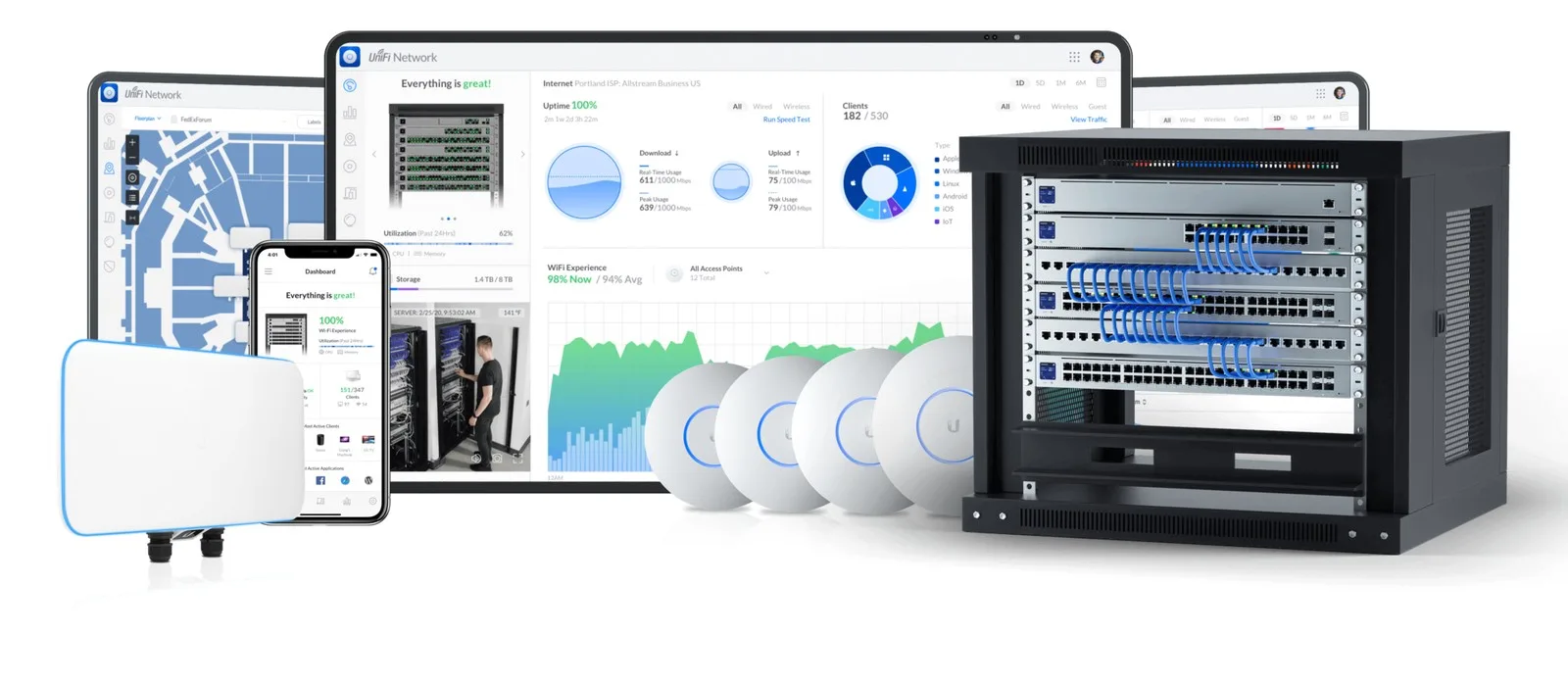
 One system: network, Wi-Fi, cameras and access
-
Delivery, installation and support in Serbia
-
Grows with you – from an office to multiple sites
What UniFi is
One controller – everything in one application
Instead of five different panels, the whole building is managed from UniFi OS: the network, Wi-Fi, video surveillance and access. Everything runs locally, at your site.
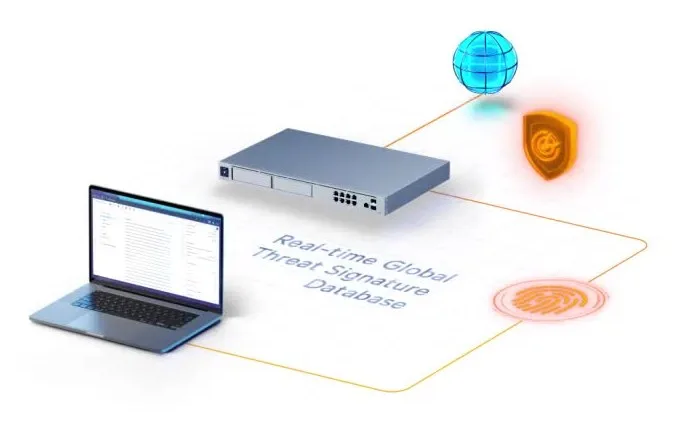
The gateway is the brain
Routing, firewall and IPS/IDS, and on the larger models a disk for recordings.
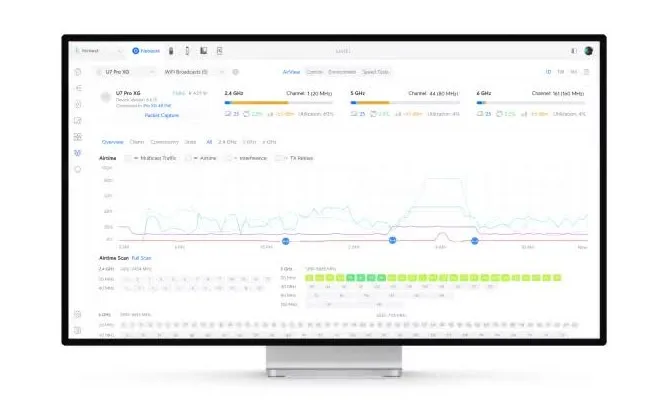
Wi-Fi and the network grow with you
From a single AP to multiple floors and sites – the same panel, the same account.
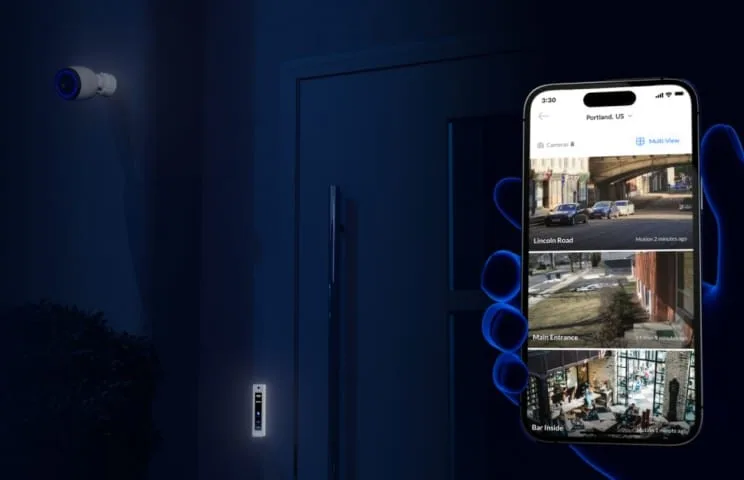
Cameras and access in the same system
Protect and Access connect to the same gateway – no separate server for smaller buildings.
Building security in the same system
UniFi Protect is not just a picture from a camera. On supported models the system recognizes people and vehicles, can read license plates, remembers known faces and sends an alert when something happens at the entrance, the parking lot or the warehouse. The footage stays with you – on the disk in the gateway/NVR.
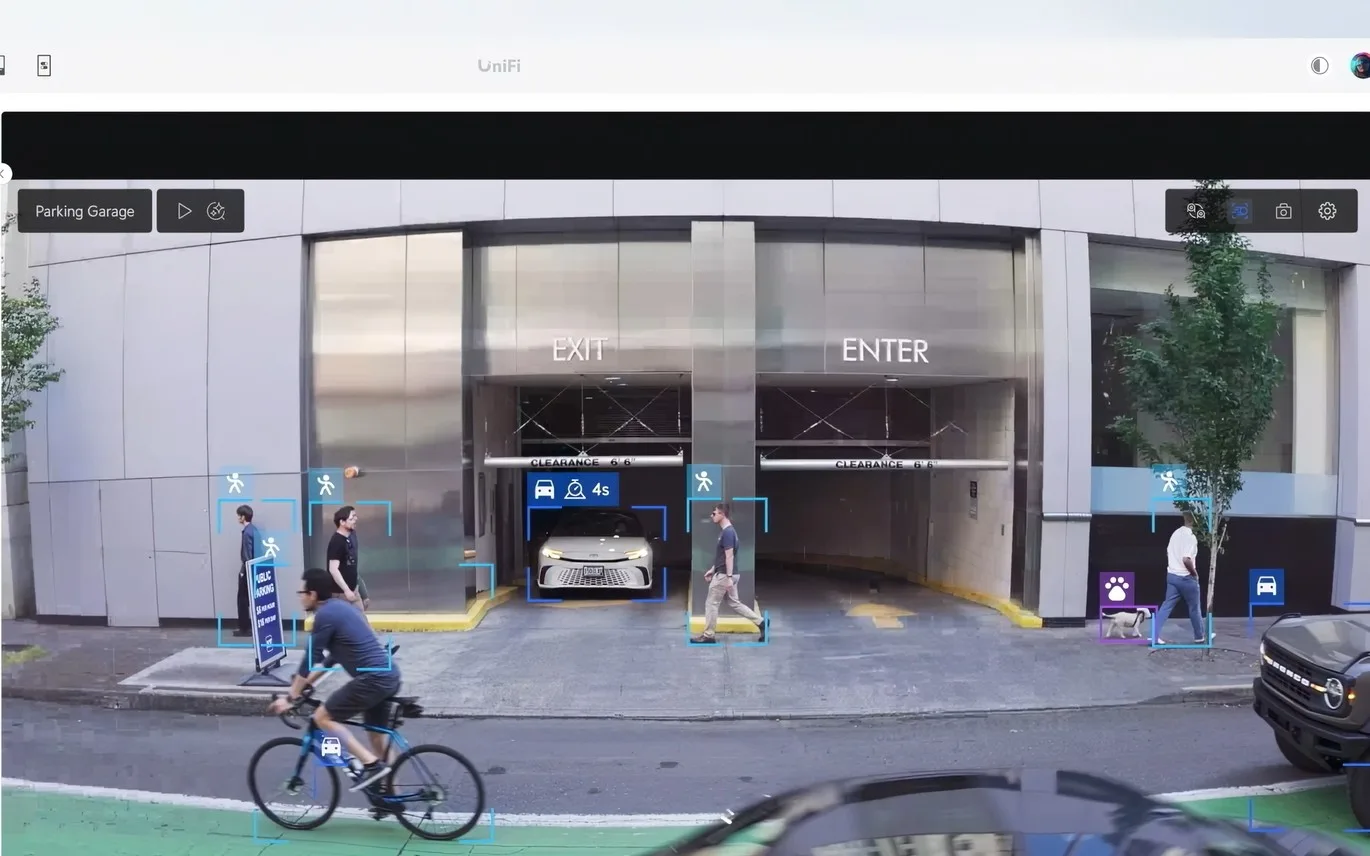
Person and vehicle detection
An alert because of a person at the gate, not a cat on the wall – on models with AI detection.
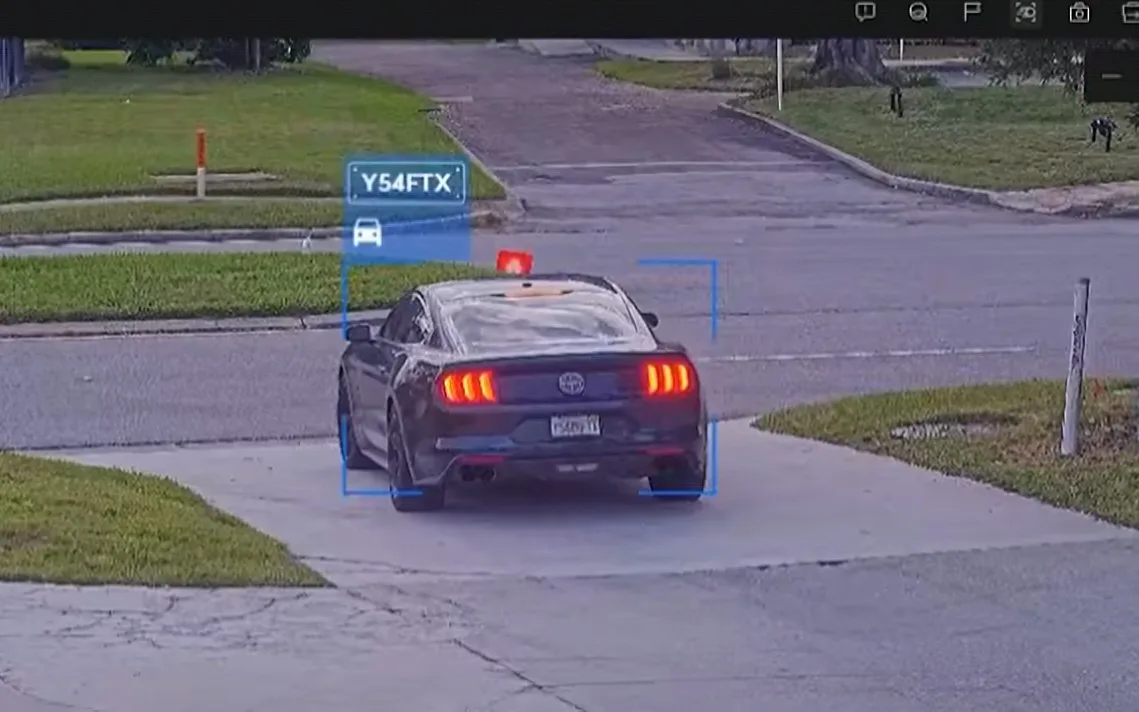
License plate reading (LPR)
The camera at the gate remembers which car entered and when – on models with LPR support.
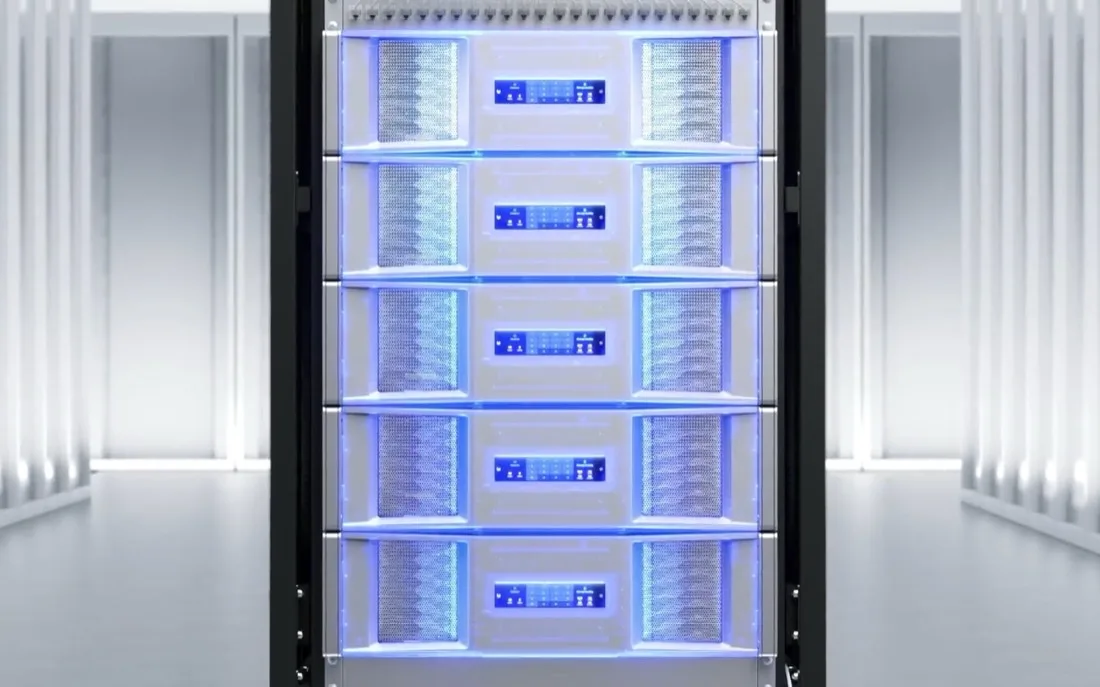
Local archive
The footage stays on your disk, not in somebody else’s cloud. Search by events: person, car, plate.
Lines
Entries into the lines – choose per need, grow in the same system
The whole catalog of current models lives on the line pages – you ask for the exact SKU and every model goes into the specification. Prices are not published on the site: they come in the quote with the timelines.
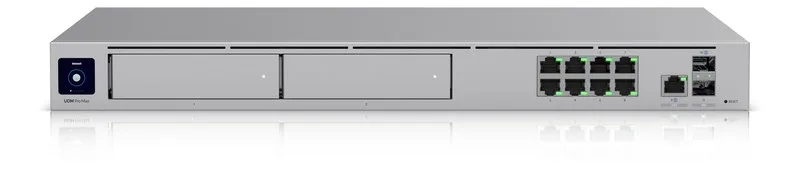
Gateway or Dream Machine
The brain of the network: routing, IPS/IDS, a home for Protect and Access.

Switch + PoE
One cable for APs and cameras – a PoE budget per floor or building.
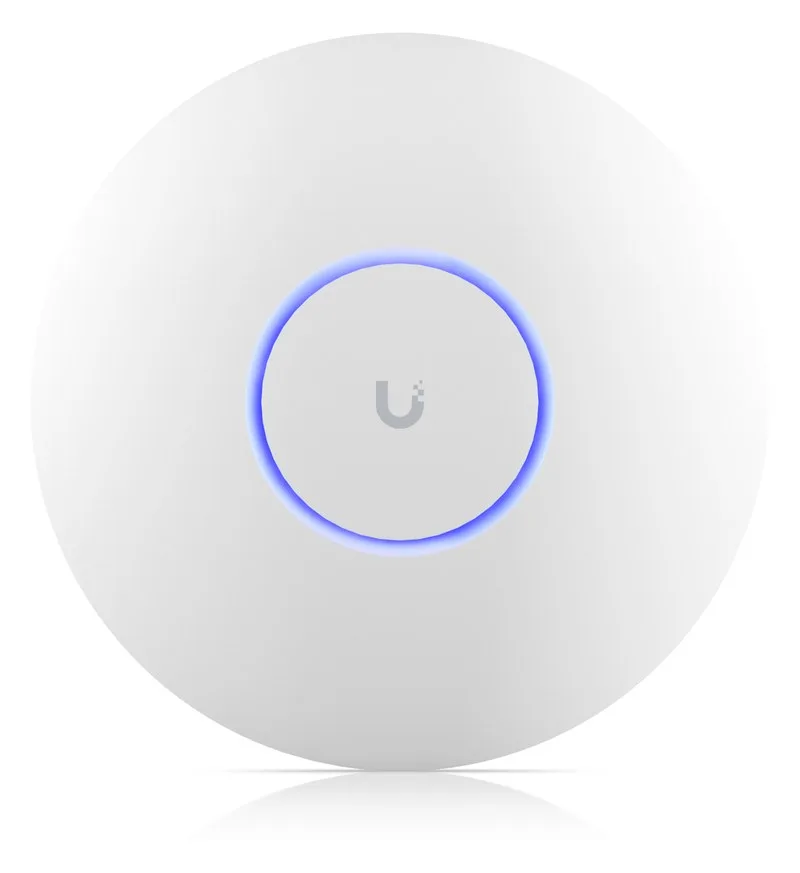
Wi-Fi access point
Wi-Fi 6/7 for offices, halls and outdoor spaces.
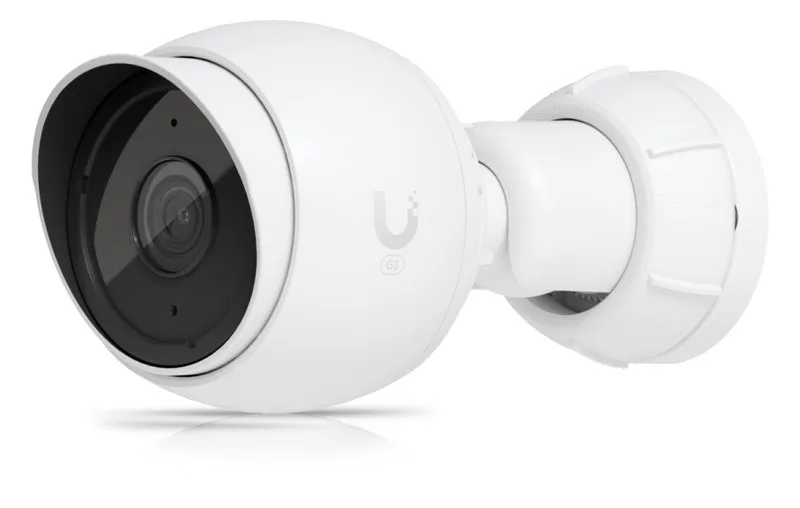
Protect – cameras
Cameras with AI detection, plates and faces. The archive stays with you.
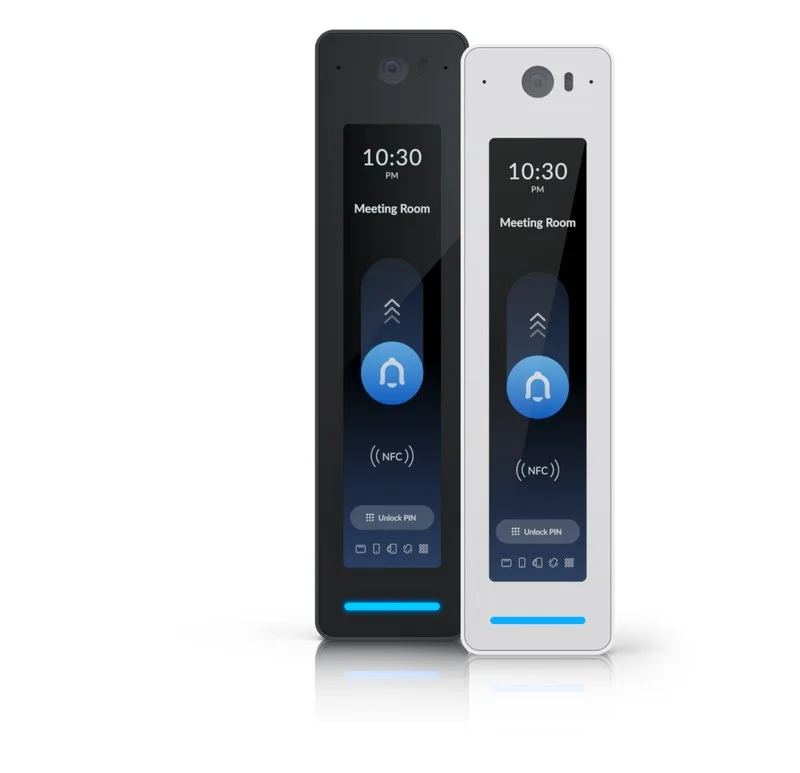
Access – entry
Doors in the same system: cards, phones, readers.
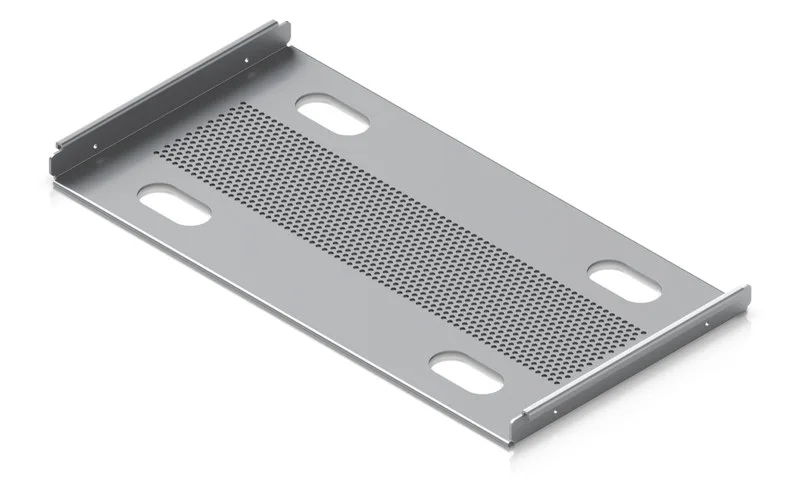
Accessories and kits
Power, storage, accessories and ready-made packages per building type.
How we work
From the request to the handover – eight steps
Request
You send a sketch of the space and the number of users.
Specification
A configuration proposal model by model – with the reasoning behind the choices.
Quote
An exact quote with delivery times and no hidden items.
Delivery
Delivery to your location in Serbia.
Cabling and PoE
Switch placement, the PoE budget, cabling.
Installation
APs on the ceiling, cameras on the facade, devices in the rack.
UniFi OS
Enrolling devices, network, cameras and access into one system.
Handover
Team training and support after the handover.
One system: network, Wi-Fi, video and access. The kits per building type are on the Kits page – we give the exact device count after the audit.
Services alongside the equipment
From the audit to the system handover
We deliver the equipment through the manufacturer’s official channels, with the applicable manufacturer warranty. We install and commission the system in Serbia.
Wi-Fi site survey
Coverage measurements and an AP position plan: signal maps, dead zones, PoE budget.
IT infrastructure audit
A review of the existing network, power and routes before the proposal – a report and a work list.
Installation and commissioning
Physical mounting, UniFi OS enrollment, network and Protect configuration.
Post-handover support
In- and out-of-warranty service, expansions and equipment replacement.
Request a specification
Tell us what you are building (an office, a warehouse, a hotel) and how many locations there are – we come back with a specification covering models and timelines.


Building several sites at once?
Multiple sites run in one panel – send us the list of buildings and we will propose the topology and the models.