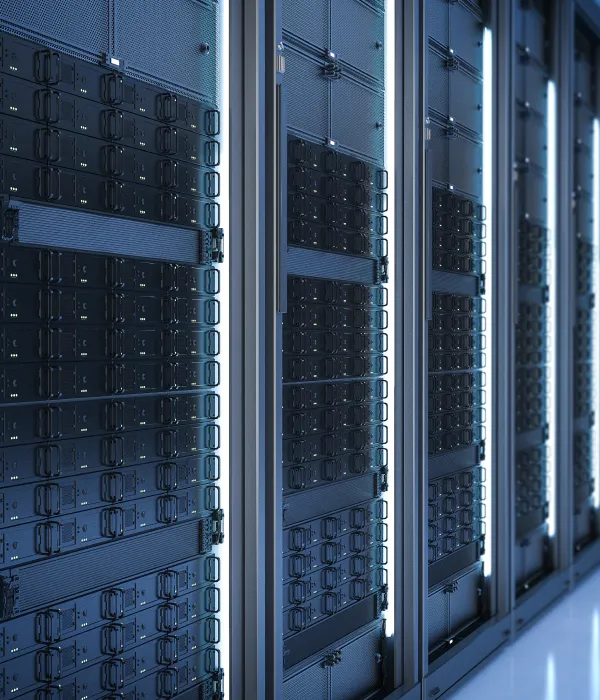
Your data survives failure, deletion and ransomware
Backup on Synology RackStation appliances, with automatic protection from servers and workstations – and a recovery process that has been rehearsed, not just storage.
-
 Automatic backup with no “remembering”
-
A copy away from the main site
-
A recovery process that has been rehearsed
Who it is for
For companies that cannot afford to lose data
Backup is not a shelf with a disk – it is a process that has to be rehearsed before you need it.
Business data on the server
Documents, databases and shared folders with automatic scheduled copies – no human factor.
Ransomware protection
Backups kept separate from production, with dated versions. Immutable copies are included according to the supported model and agreed plan.
A second site as a reserve
Another copy away from the main building – fire, flood or theft does not wipe everything at once.
Fast recovery
Restore one file from yesterday, or a whole server onto new hardware – a process we have rehearsed with you.
Backup equipment
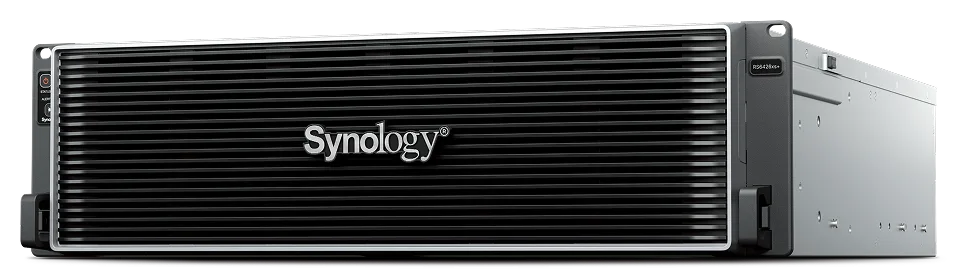
Synology RackStation – rackmount backup servers
For rack environments we use the Synology RackStation line – from compact 1U models to the XS flagship RS6426xs+. Sizing, enterprise-class disks and redundancy are part of the kit.
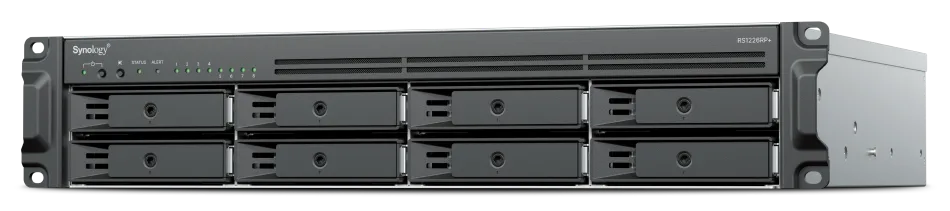
RS1226RP+
2U rack
New generation of 8-bay models, with redundant power.
CPU
AMD Ryzen V1500B
Drives
8 (up to 12)
Memory
4 GB, up to 32 GB
Network
2× 2.5GbE
RS1226+
2U rack
Same platform as the RP version, with a single PSU.
CPU
AMD Ryzen V1500B
Drives
8 (up to 12)
Memory
4 GB, up to 32 GB
Network
2× 2.5GbE

RS826RP+
1U rack
Compact 1U with redundant power.
CPU
AMD Ryzen V1500B
Drives
4 (up to 8)
Memory
4 GB, up to 32 GB
Network
4× 1GbE
RS826+
1U rack
The simplest entry into the rackmount Plus class.
CPU
AMD Ryzen V1500B
Drives
4 (up to 8)
Memory
4 GB, up to 32 GB
Network
4× 1GbE

RS422+
1U rack
Shallower than the standard (12-inch depth) – for wall and shallow racks.
CPU
AMD Ryzen R1600
Drives
4 (no expansion)
Memory
2 GB ECC
Network
2× 1GbE
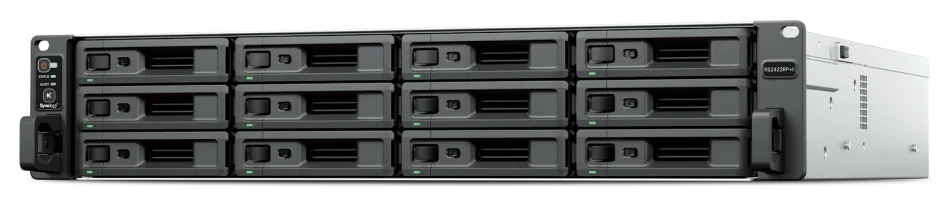
RS2423RP+II
2U rack
Refreshed RP version: redundant power and expansion to 24 disks.
CPU
AMD Ryzen V1780B
Drives
12 (up to 24)
Memory
8 GB, up to 32 GB
Network
2× 1GbE + 10GbE
RS2423+
2U rack
Same platform as the RP+II variant, with a single PSU.
CPU
AMD Ryzen V1780B
Drives
12 (up to 24)
Memory
8 GB, up to 32 GB
Network
2× 1GbE + 10GbE
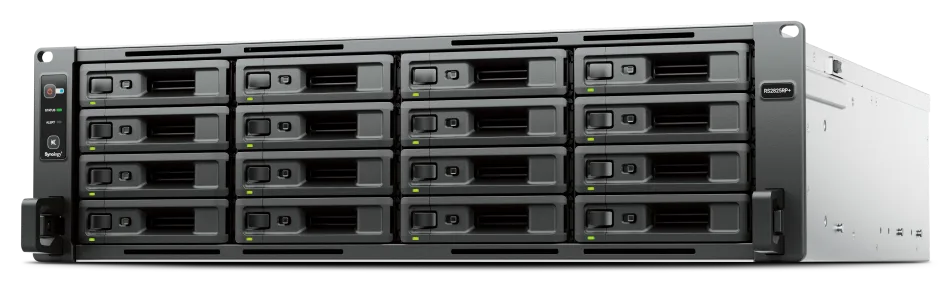
RS2825RP+
3U rack
Plus class with 16 bays and redundant power.
CPU
AMD Ryzen V1780B
Drives
16 (up to 28)
Memory
8 GB, up to 32 GB
Network
2× 1GbE + 10GbE

RS1626xs+
1U rack
Only 1U tall – up to 16 disks with expansion and 10GbE networking.
CPU
Intel Xeon D-1726
Drives
4 (up to 16)
Memory
16 GB, up to 64 GB
Network
2× 10GbE
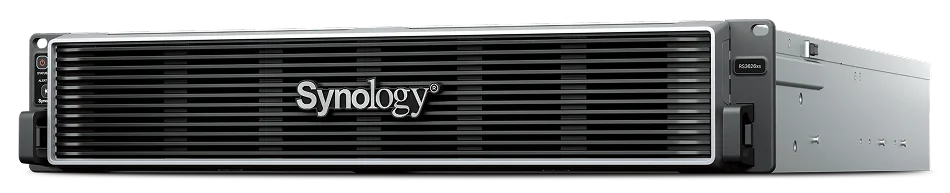
RS3626xs
2U rack
XS performance in the base variant, without redundant power.
CPU
Intel Xeon D-1726
Drives
12 (up to 36)
Memory
8 GB, up to 48 GB
Network
2× 10GbE
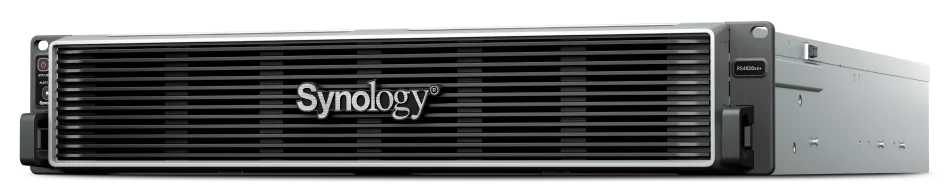
RS4826xs+
2U rack
XS+ capacity in a 2U chassis – up to 48 disks and two PCIe Gen4 slots.
CPU
Intel Xeon D-1739
Drives
12 (up to 48)
Memory
16 GB, up to 96 GB
Network
2× 10GbE
RS6426xs+
3U rack
Flagship of the line: up to 64 disks across 4 expansions, two 10GbE ports and two PCIe Gen4 slots.
CPU
Intel Xeon D-1739
Drives
16 (up to 64)
Memory
16 GB, up to 96 GB
Network
2× 10GbE
Current rackmount offer from the manufacturer. Clicking a card opens an inquiry for the selected model – older generations (RS1221+, RS3621RPxs) are available on request.
DiskStation XS
DiskStation XS and XS+ – tower NAS for larger datasets
The same XS platform in tower designs – when there is no rack cabinet, or a powerful local NAS for the office and backup is needed. Enterprise-class drives are selected together with the model.
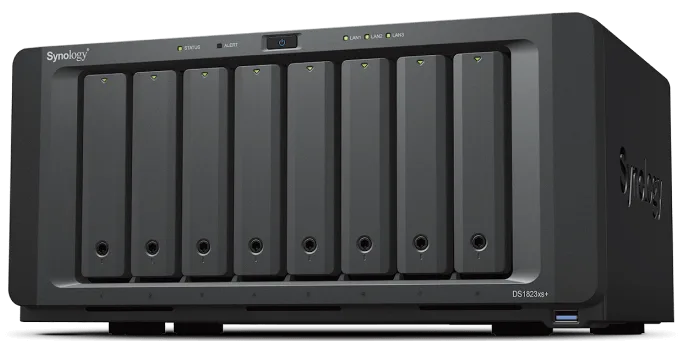
DS1823xs+
Tower
XS+ in a tower: built-in 10GbE, 2× M.2 2280 NVMe cache slots and a PCIe slot for extra cards.
CPU
AMD Ryzen V1780B
Drives
8 (up to 18)
Memory
8 GB ECC, up to 32 GB
Network
2× 1GbE + 10GbE
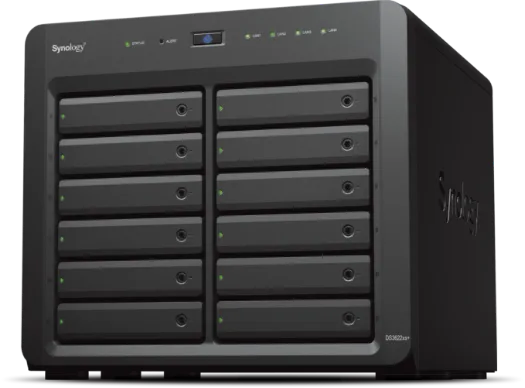
DS3622xs+
Tower
XS in a tower: 6-core Xeon D, expansion to 36 drives (DX1222) and dual 10GbE ports.
CPU
Intel Xeon D-1531
Drives
12 (up to 36)
Memory
16 GB ECC, up to 48 GB
Network
2× 1GbE + 2× 10GbE
Current XS/XS+ offer from the manufacturer. Clicking a card opens an inquiry for the selected model.
Works with the environment you already use
What is in the kit
What is in the kit
Appliance, manufacturer software and a rehearsed recovery – a kit that stands behind the claim “we have backup”.
Equipment
A backup appliance sized to data volume and retention.
- NAS or backup server
- Enterprise-class disks
- A UPS for the backup appliance
Manufacturer software
Automation and versioning.
- Schedules and versions by date
- A copy to a second site or appliance
- Notifications about failed jobs
Work at your request
Setup and rehearsal.
- Installation and schedule configuration
- A file and system recovery test
- Administrator training
Packages
Start, Business and Enterprise – by volume and risk
The more important the data, the further the copy sits from the original and the more versions it has.
Start
One location
Small data volumes, basic protection.
- NAS appliance with an automatic schedule
- Versions by date
- A recovery test at handover
Most popular
Business
Site + offsite copy
The standard for a serious company.
- Everything in the Start package
- A second copy away from the main building
- Notifications for every failed job
- An annual recovery test
Enterprise
Multiple sites and servers
Larger volumes and stricter requirements.
- Backup server + replication between sites
- Immutable copies by agreement
- A documented recovery process
- Priority support
FAQ
Frequently asked questions
Request a kit specification
Tell us how much data you keep and from where – we will come back with a backup kit covering schedule, retention and the recovery process.


Not sure how much data you have?
Send us what your job runs on – we will estimate the volume and propose a backup kit without guesswork.