
Enterprise Wi-Fi that works everywhere – from the office to the warehouse
We design, deliver and install networks to an enterprise standard: 802.1X, RADIUS, VLAN and roaming without drops. One contractor for the whole job – from design to commissioning.
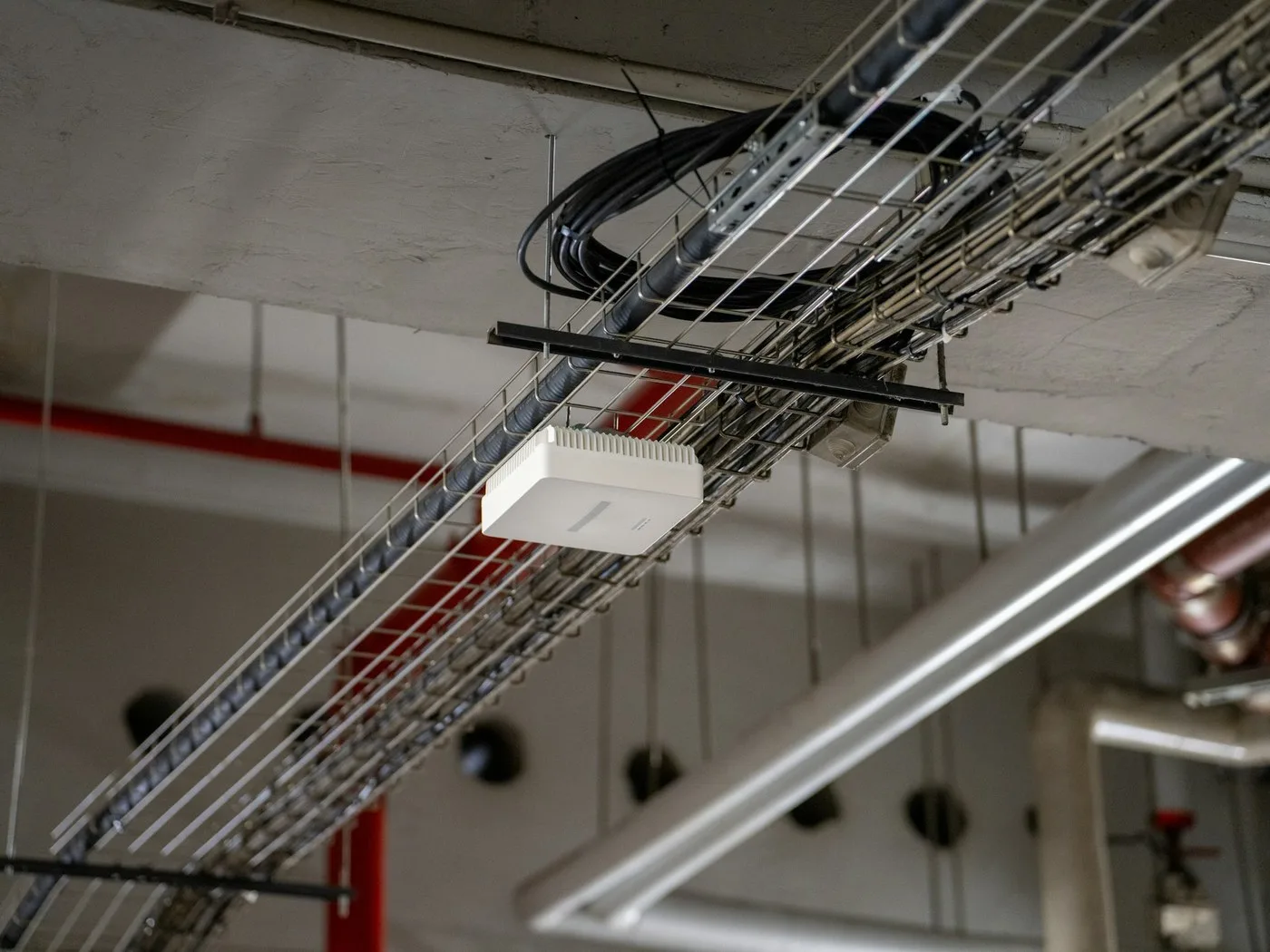
-
 Enterprise Wi-Fi: 802.1X + RADIUS, VLAN, roaming
-
Cisco, Meraki, Aruba, MikroTik, TP-Link and UniFi
-
Design, installation and documentation on request
Who it is for
For companies where the network has to work across the whole building
The network is not just internet: phones, cameras, displays, room panels and storage systems all run on it. Every one of those points needs signal and power.
Offices of 50–500+ employees
Full coverage of all rooms and meeting rooms, a guest network separated from business, no “dead zones” next to conference rooms.
Warehouses and production
Coverage of halls and open areas for barcode scanners, terminals and cameras – with equipment ready for dust and temperature.
Multiple floors and sites
One network across all floors, with unified management when the company has several addresses.
Move-ins and renovations
The network is designed before the move: access-point positions, rack space and cabling are planned together with the joinery, not after it.
What is in the kit
From design to documentation – the complete job
We hand over a network that is tested and documented, not boxes of equipment.
Equipment
Switch, access points and rack – chosen per the sizing.
- A switch with PoE power for APs and cameras
- Wi-Fi 6 / Wi-Fi 7 access points
- Rack cabinets, patch panels and accessories
Manufacturer software
Network management through the equipment maker’s tool.
- Central management of APs and switches
- Guest network and VLAN segmentation
- Firmware upgrades and monitoring
Work at your request
Design and execution – we carry the whole process.
- A network design and access-point position plan
- Mounting of switches, APs and the rack
- Testing, commissioning and documentation
Enterprise Wi-Fi
More than “there is internet”: authentication, segmentation, roaming
We build Wi-Fi to an enterprise standard – every user and device signs in, the networks are separated, and a phone does not drop the call when it moves from access point to access point.
802.1X + RADIUS
Every user and device has its own credentials instead of a shared password – you know who is on the network, and an employee leaving means losing access.
VLAN segmentation
Business network, guests, cameras, phones and IoT are separated – an incident in one network does not spread to the others.
Roaming without drops
The 802.11k/v/r standards: a phone or scanner moves from access point to access point without resetting the connection – the call and the session stay alive.
Wi-Fi 6 / Wi-Fi 7
For dense offices and halls: more concurrent devices per access point, lower latency and headroom for the next generation of equipment.
IoT and special networks
Scanners, printers, sensors and terminals get their own, controlled network – with rules for what may talk to what.
Hotel and hotspot
A captive portal for guests: sign-in, vouchers, authorization per room or day – and a report of who used the network.
Wi-Fi equipment
Access points on offer – seven manufacturers
Enterprise access points from Cisco, Meraki, Aruba, TP-Link Omada, Juniper Mist and Fortinet, with a MikroTik RouterOS option when the budget calls for it – every card goes straight to inquiry, with a coverage design.
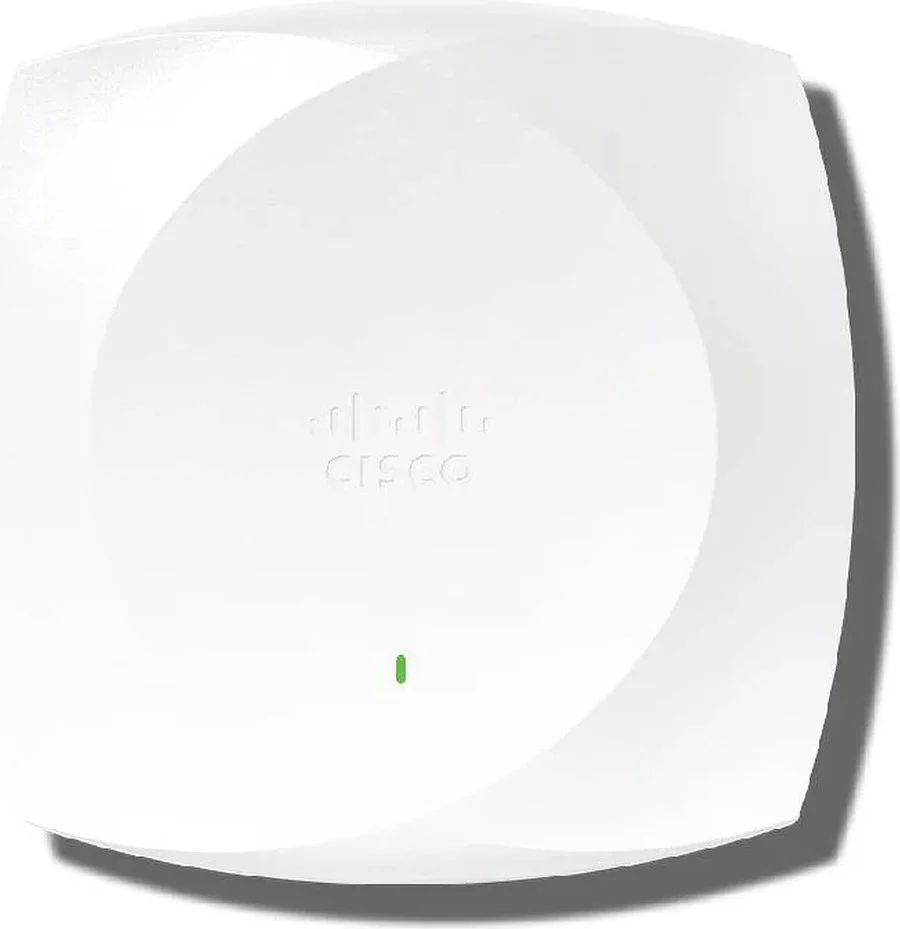
Cisco
Cisco Catalyst CW9176I
Wi-Fi 7 tačka za kancelarije i konferencijske prostore
- Wi-Fi 7, tri-band sa 6 GHz opsegom – MLO i 4K-QAM
- Radi kroz Meraki dashboard ili Cisco Catalyst centar
- Multi-Gig uplink i PoE napajanje sa mreže
Najnovija generacija – za nove projekte i gušće prostore.
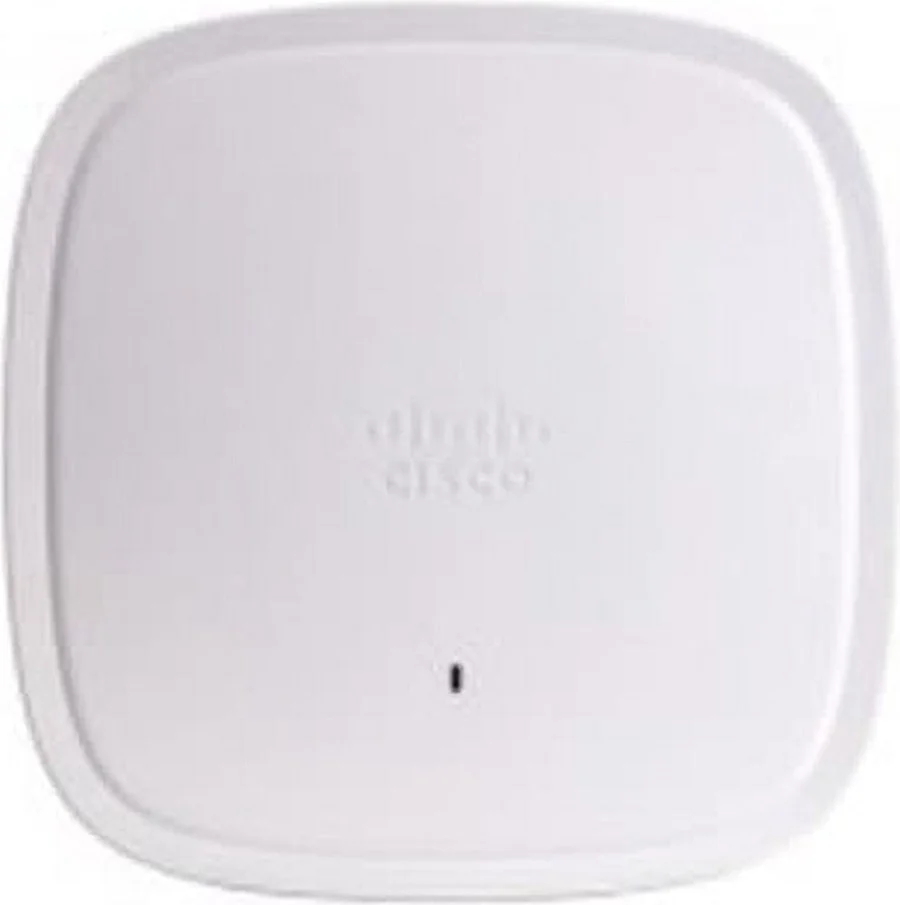
Cisco
Cisco Catalyst 9130AXI
Wi-Fi 6 za hale, magacine i eksterijer
- Wi-Fi 6, 4×4 u 5 GHz opsegu (do 4,8 Gbps)
- IP66 izvedba – prašina, temperatura i otvoreni prostor
- IoT radio i BLE – za skenere, senzore i tagove
Kada pokrivanje treba i tamo gde unutrašnje tačke ne mogu.
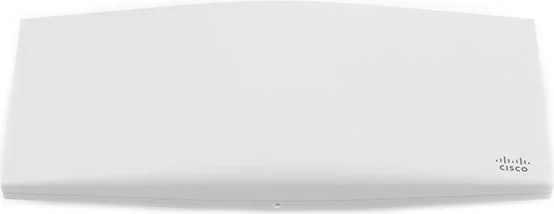
Meraki
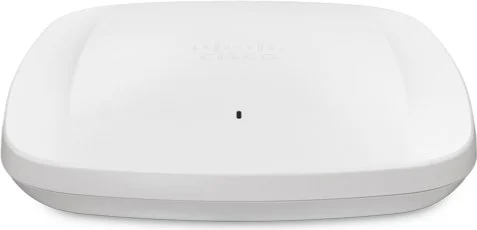
Cisco Meraki MR46
Cloud tačka Wi-Fi 6 za kancelarije i hotele
- Wi-Fi 6, 2,98 Gbps agregatno (2,4 + 5 GHz)
- Posvećen treći radio za skeniranje spektra i bezbednost
- Ceo park se upravlja kroz Meraki dashboard
Meraki licenca ide uz uređaj – u specifikaciji piše rok.
Meraki
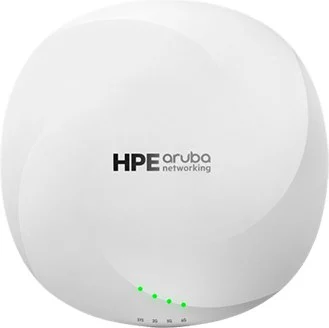
Cisco Meraki MR57
Wi-Fi 6E za guste prostore – sale i open-space
- Wi-Fi 6E, tri-band, do 7,78 Gbps agregatno
- Posvećen radio za skeniranje i bežičnu bezbednost
- Meraki dashboard: svaka tačka i klijent na jednom ekranu
Za prostore gde 5 GHz više nije dovoljno.
Aruba
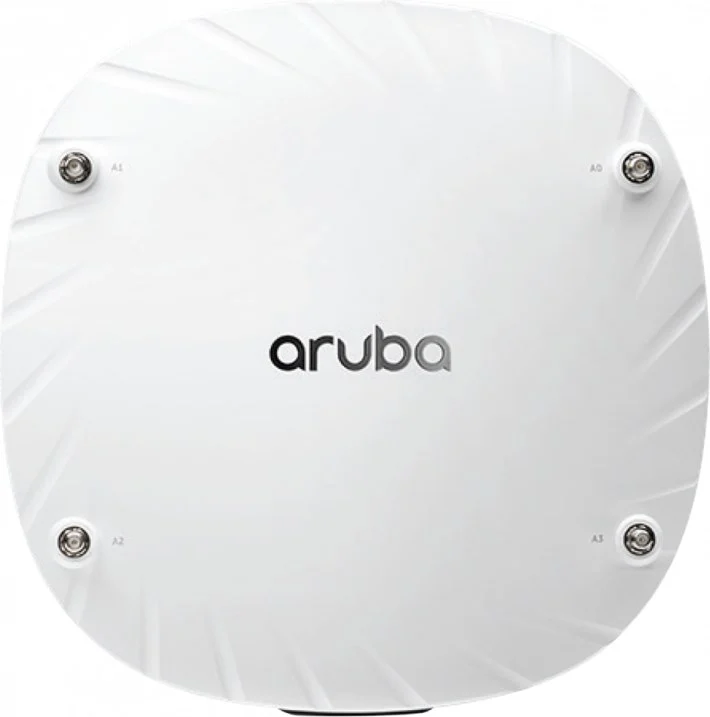
HPE Aruba AP-635
Wi-Fi 6E kampus tačka za kancelarije i sale
- Wi-Fi 6E, tri-radio: 2,4 + 5 + 6 GHz opseg
- Upravljanje kroz Aruba Central, 802.1X preko ClearPass
- Montaža na plafon ili zid, PoE napajanje sa switcha
Deo 630 serije – u istom sistemu sa AP-535.
Aruba
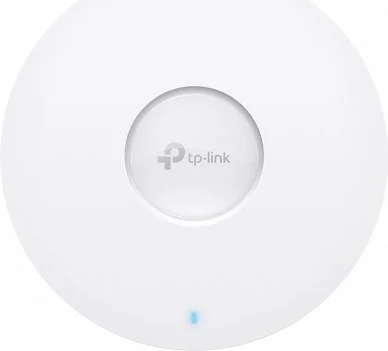
HPE Aruba AP-535
Wi-Fi 6 radna konjica za kancelarije i magacine
- Wi-Fi 6, 4×4 dual-band, do 2,97 Gbps agregatno
- Isti Aruba Central sistem kao 630 serija
- Montaža na plafon ili zid, napajanje PoE
Klasičan izbor za većinu kancelarijskih prostorija.
TP-Link Omada
TP-Link Omada EAP670
Wi-Fi 6 plafonska tačka za manje objekte i filijale
- Wi-Fi 6 AX5400: 4×4 na 5 GHz + 2×2 na 2,4 GHz
- 2,5G uplink, napajanje PoE+ sa mreže
- Omada SDN – centralno upravljanje bez skupih licenci
Omada kontroler može na Vaš server, ne samo u cloud.
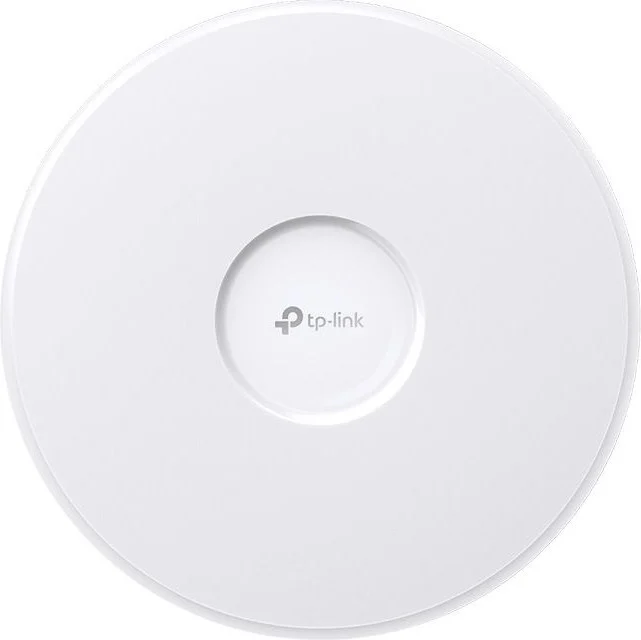
TP-Link Omada
TP-Link Omada EAP773
Wi-Fi 7 plafonska tačka za zahtevne prostore
- Wi-Fi 7 BE11000: 5765 Mbps (6 GHz) + 4324 Mbps (5 GHz) + 688 Mbps (2,4 GHz)
- 1× 10G port – uplink spreman za sledeću generaciju switcha
- Omada SDN upravljanje, 320 MHz kanali i MLO
Vrhunac Omada ponude – bez licenci po korisniku.
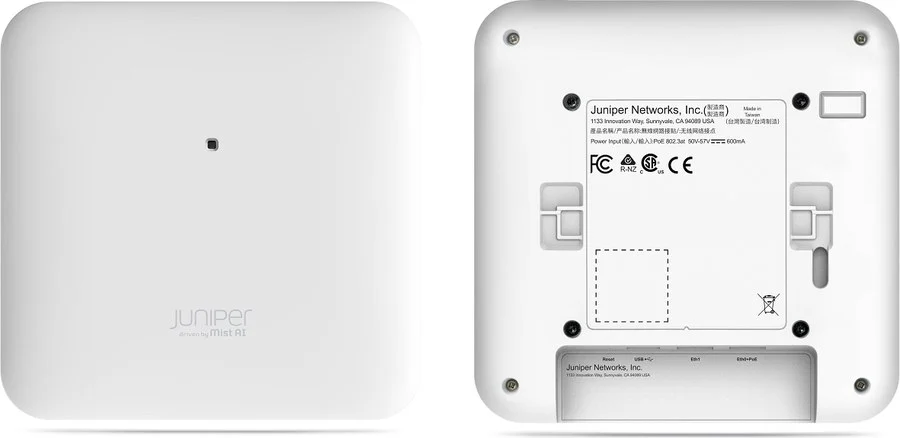
Juniper Mist
Juniper Mist AP45
Wi-Fi 6E tačka sa AI upravljanjem za kancelarije
- Wi-Fi 6E, tri-band sa posvećenim IoT radiom
- Mist AI: automatska dijagnostika i Service Level po klijentu
- BLE i IoT senzori za lokaciju i automatizaciju
Marvis AI asistent pomaže i Vašem IT timu.
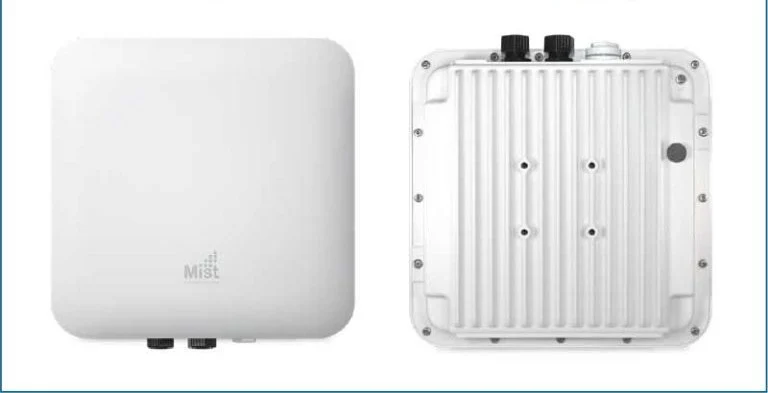
Juniper Mist
Juniper Mist AP63
Wi-Fi 6E outdoor tačka za dvorišta, rampe i hale
- Wi-Fi 6E u outdoor izvedbi – eksterijer i skladišni zalivi
- Isti Mist AI cloud kao unutrašnje tačke
- Napajanje PoE, montaža na zid ili stub
Za parcelu, parking i logistička dvorišta.
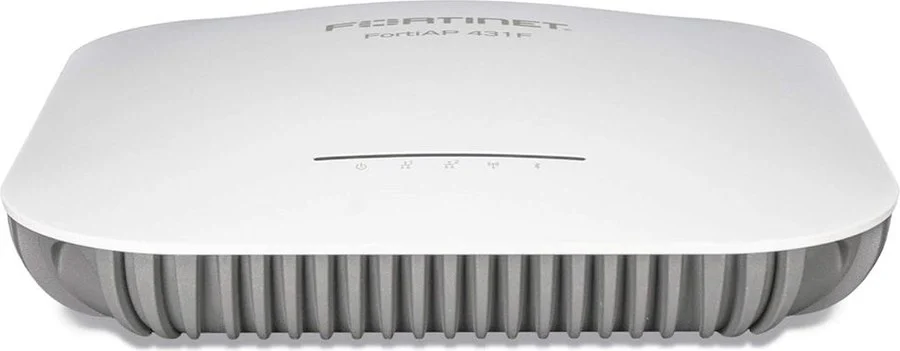
Fortinet
Fortinet FortiAP 431F
Wi-Fi 6 tačka za firme koje već koriste FortiGate
- Wi-Fi 6, tri-radio izvedba (2,4 + 5 GHz + radio za skeniranje)
- Upravljanje direktno iz FortiGate-a ili FortiCloud-a
- Jedna bezbednosna politika za firewall i Wi-Fi
Prirodna opcija uz FortiGate iz našeg firewall kataloga.
Fortinet
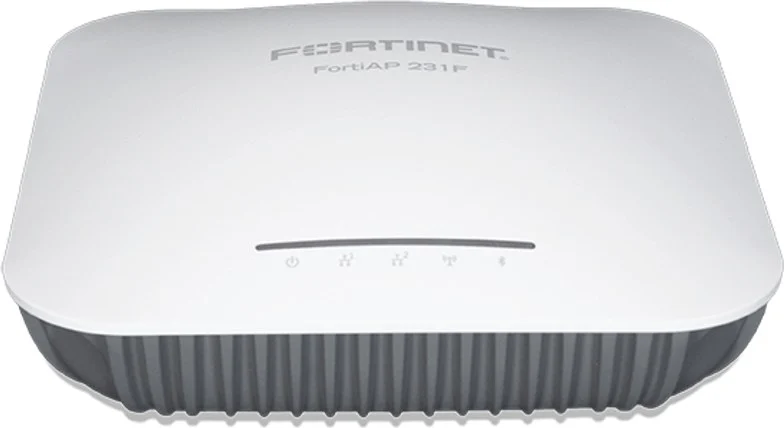
Fortinet FortiAP 231F
Wi-Fi 6 indoor tačka za kancelarije i recepcije
- Wi-Fi 6, dual-band za svakodnevne kancelarijske potrebe
- Integracija sa FortiGate bezbednosnom politikom
- FortiGate ili FortiCloud upravljanje parkom tačaka
Najlakši ulaz u Fortinet Wi-Fi ekosistem.
MikroTik
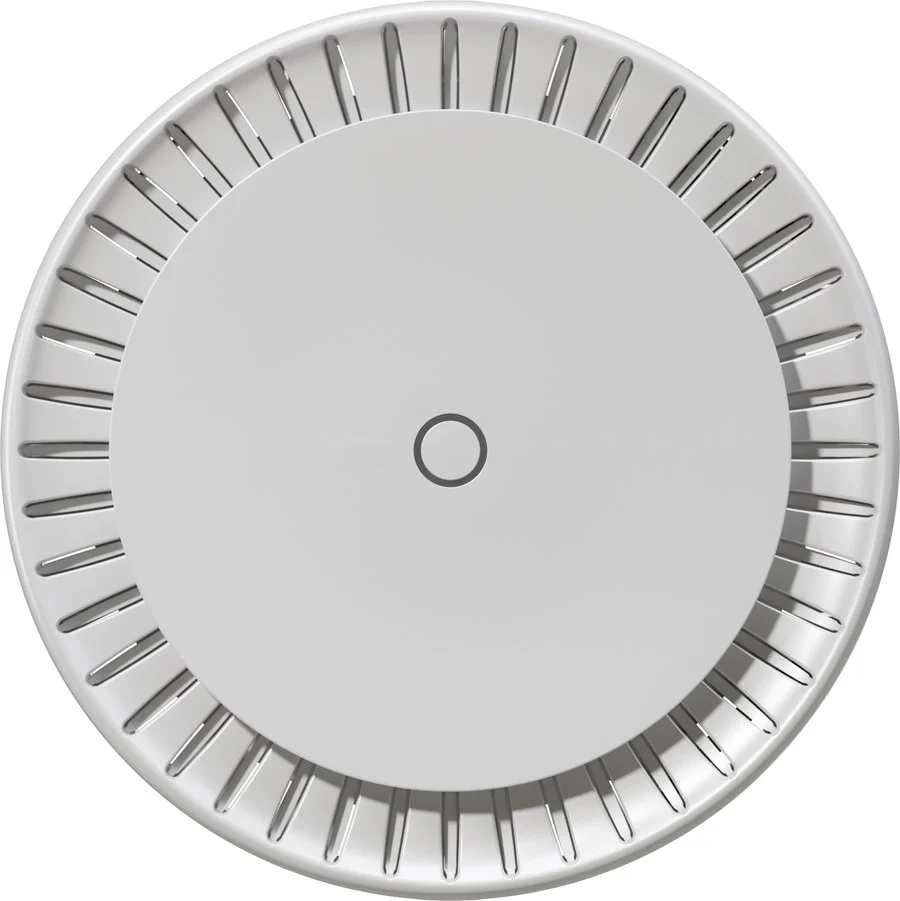
MikroTik cAP ax
Plafonski access point za kancelarije i hotele
- Wi-Fi 6 (AX1800) dual-band, quad-core ARM CPU i 1 GB RAM
- 2× Gigabit porta, PoE-in 802.3af/at i PoE-out za drugi uređaj
- Centralno upravljanje flotom tačaka kroz CAPsMAN
Diskretna plafonska jedinica – montira se na plafon ili zid.
MikroTik
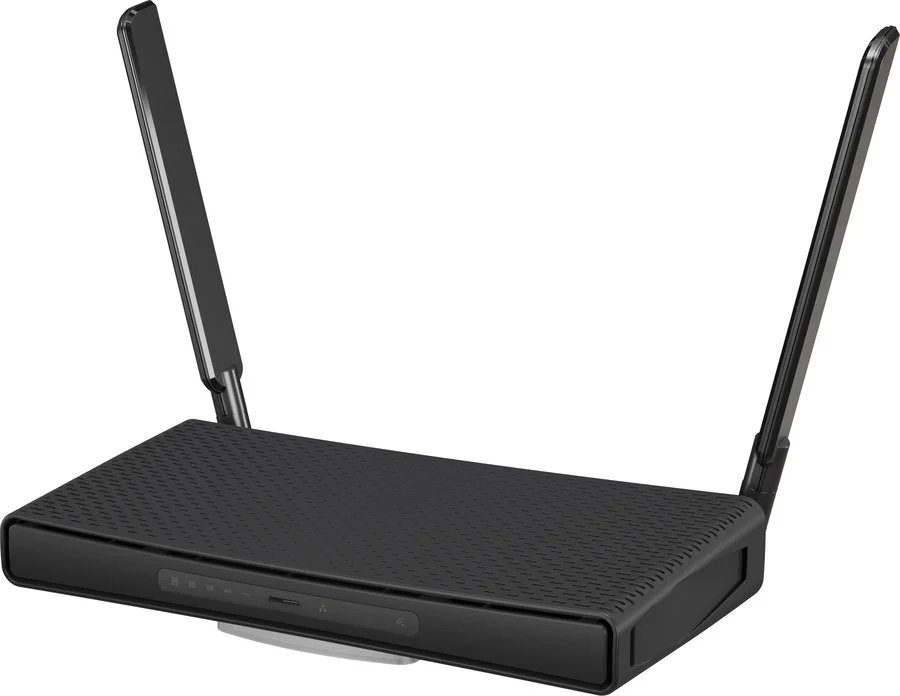
MikroTik hAP ax³
Desktop Wi-Fi 6 ruter za manje kancelarije i recepcije
- Wi-Fi 6 (AX1800), quad-core ARM 1,8 GHz i 1 GB RAM
- 4× Gigabit + 1× 2,5G port, PoE-in i PoE-out, USB 3.0
- IPsec hardversko šifrovanje i WireGuard za VPN pristup
Najjači hAP – nosi i firewall pravila manje lokacije.
MikroTik
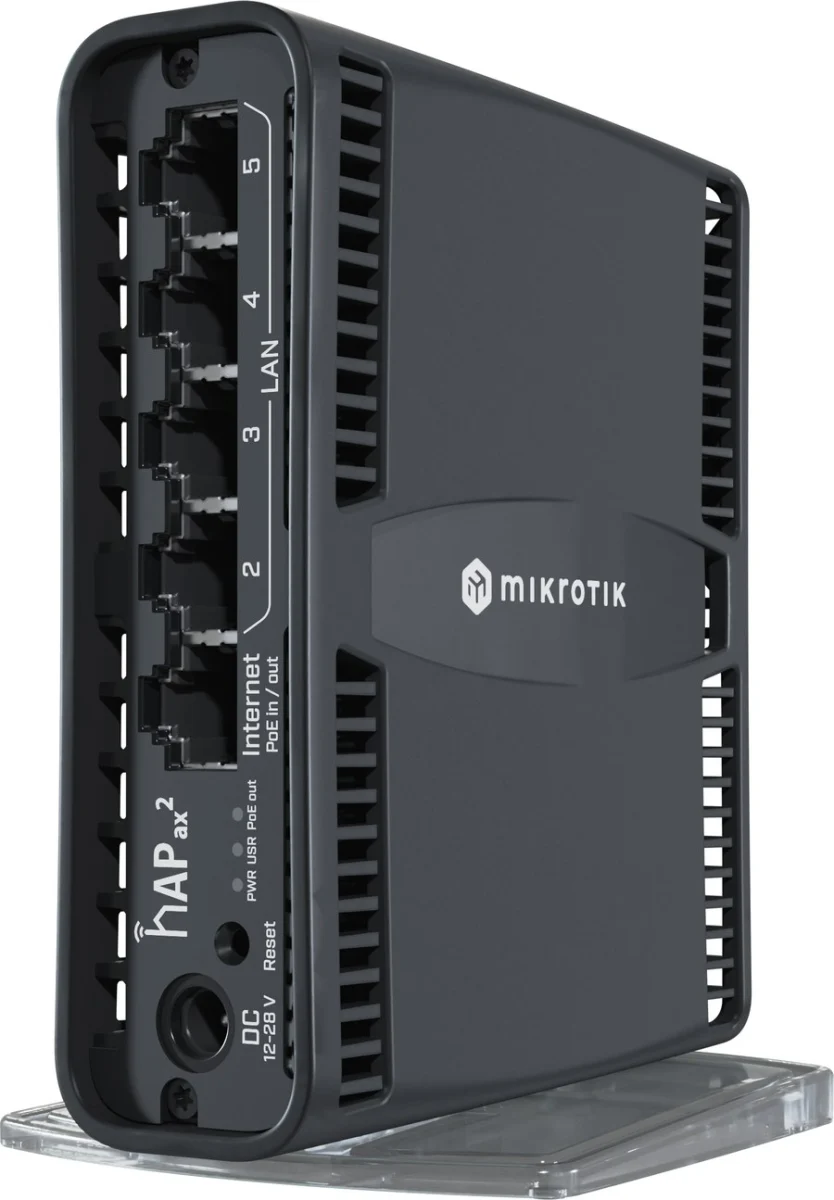
MikroTik hAP ax²
Kompaktni Wi-Fi 6 ruter za manje objekte i manji budžet
- Wi-Fi 6 (AX1800) dual-band, 4-core CPU i 1 GB RAM
- 5× Gigabit porta sa PoE-out na prvom portu
- Isti RouterOS v7 kao i ostatak mreže – jedna logika upravljanja
Praktičan izbor za manje lokacije i filijale.
No models match this combination. Deselect filters or contact us.
For warehouses and exteriors we combine models with enterprise access points per a coverage design, not per a catalogue – the specification states the exact model and position of every access point.
Switching
Switches on offer – the MikroTik CSS and CRS lines
From compact 8-port models to 1U rack switches with PoE: no per-user licences, managed through RouterOS or SwOS – every card goes straight to inquiry.
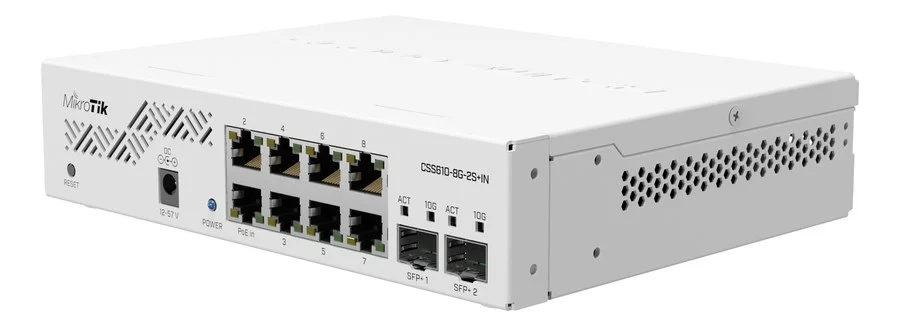
MikroTik
MikroTik CSS610-8G-2S+IN
Kompaktni switch za manje kancelarije i filijale
- 8× Gigabit porta + 2× SFP+ 10G uplink
- RouterOS ili SwOS Lite – bez licenci po korisniku
- Dupli DC ulaz i pasivni PoE-in
Najlakši ulaz u MikroTik switching – za manje lokacije.
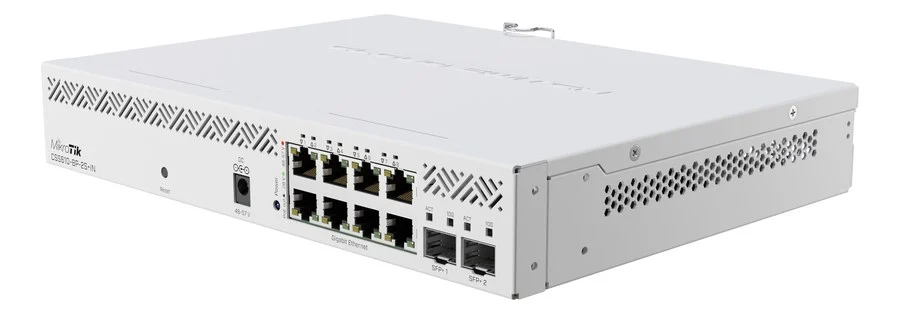
MikroTik
MikroTik CSS610-8P-2S+IN
PoE switch koji napaja AP i kamere u manjim objektima
- 8× Gigabit porta sa PoE-out (Ether1–8)
- 2× SFP+ 10G uplink ka ruteru ili spine switchu
- Max potrošnja 162 W – AP i kamere bez adaptera
Ista logika kao CSS610-8G, plus PoE za opremu na terenu.
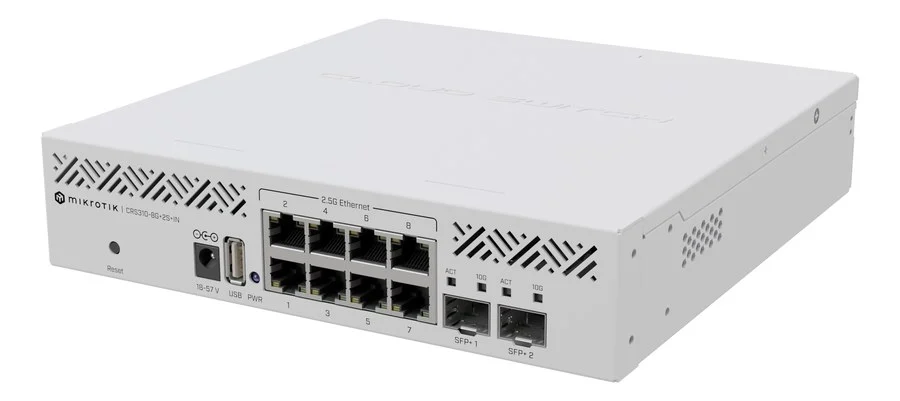
MikroTik
MikroTik CRS310-8G+2S+IN
2,5G switch za gušće kancelarije i Wi-Fi 7 tačke
- 8× 2,5G porta + 2× SFP+ 10G uplink
- Switch chip 98DX226S – hardverski switching bez blokade
- RouterOS v7 – VLAN i L3 ruting između mreža
Wi-Fi 6/7 tačke sa 2,5G uplinkom koriste baš ovaj switch.
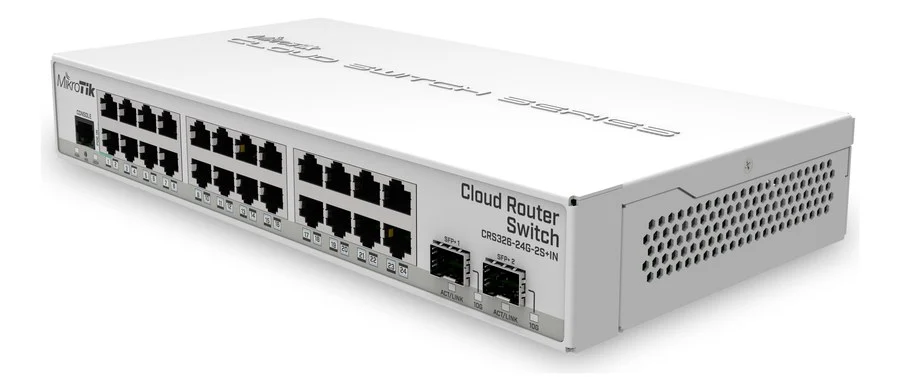
MikroTik
MikroTik CRS326-24G-2S+IN
Rack switch 1U za spratove sa više desetina uređaja
- 24× Gigabit porta + 2× SFP+ 10G uplink
- 512 MB RAM – RouterOS v7 na samom switchu
- VLAN, ruting i DHCP server bez dodatne opreme
Radna konjica distribucionog sloja – 24 porta na 1U.
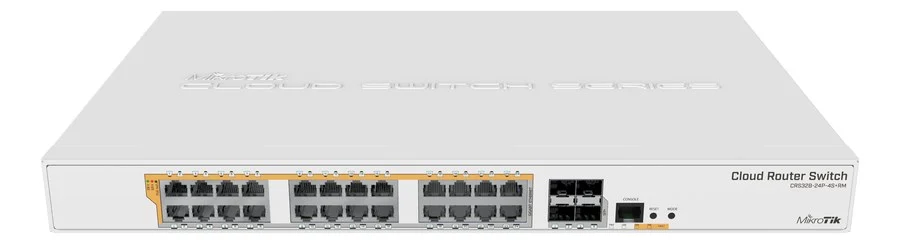
MikroTik
MikroTik CRS328-24P-4S+RM
PoE switch za ceo sprat – AP, kamere i telefoni iz jedne jedinice
- 24× Gigabit porta sa PoE-out + 4× SFP+ 10G
- RouterOS v7 – VLAN segmentacija po spratu
- Rack 1U, max potrošnja 494 W za pune spratove opreme
Klasičan izbor za spratove gde je dosta tačaka i kamera.

MikroTik
MikroTik CRS317-1G-16S+RM
Agregacioni switch 1U sa 16 SFP+ 10G portova
- 16× SFP+ 10G porta za agregaciju spratova
- 1× Gigabit upravljački port, 1 GB RAM
- Optički uplinkovi ka core ruteru ili data centru
Kad spratovi rastu – sve u jednu 10G mrežu.
No models match this combination. Deselect filters or contact us.
For UniFi switching (the same PoE logic, a different management system) there is also the UniFi Switch + PoE line. Enterprise switching from Cisco, Meraki, Aruba and Fortinet is deployed per project – alongside the existing environment and licences.
Routing
Routers on offer – MikroTik RouterOS
From small office models to central routers with BGP and 100G ports – one management logic through RouterOS v7, without per-user licences.
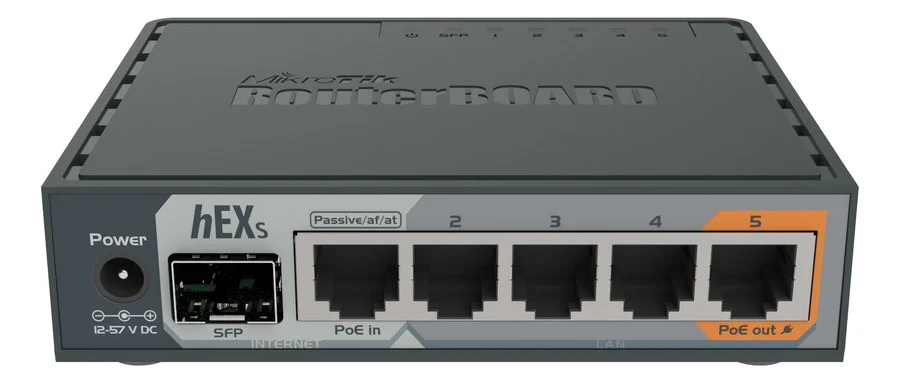
MikroTik
MikroTik hEX S
Kompaktni ruter za manju kancelariju ili filijalu
- 5× Gigabit + 1× SFP porta, 256 MB RAM
- PoE-in 802.3af/at i PoE-out za jedan uređaj
- RouterOS v7: firewall, VPN (WireGuard, IPsec) i QoS
Standardan izbor za male lokacije i rezervne rutere.
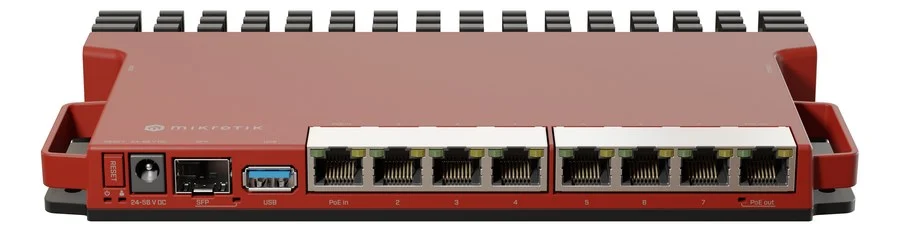
MikroTik
MikroTik L009UiGS-RM
Rack ruter 1U sa 8 Gigabit i SFP 2,5G portom
- 8× Gigabit + 1× SFP (2,5G) porta, 512 MB RAM
- PoE-in 802.3af/at, PoE-out na jednom portu
- Ekran i tasteri za konfiguraciju bez laptopa
Rack 1U – prvi korak iz desktop klase u ormar.
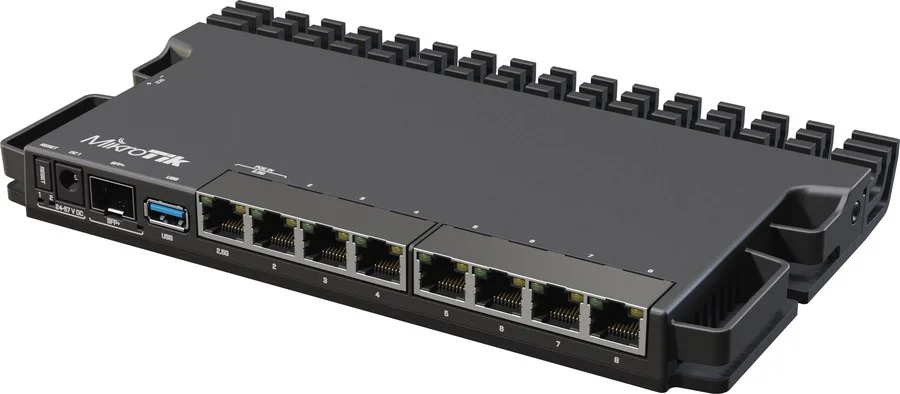
MikroTik
MikroTik RB5009UG+S+IN
Ruter-firewall za manje lokacije i filijale
- 7× Gigabit, 1× 2,5G i 1× SFP+ 10G porta, quad-core ARM 1,4 GHz
- IPsec hardversko šifrovanje (~1,3 Gbps) i WireGuard VPN
- Napajanje PoE-in, DC ili terminal, 4 komada na 1U rack polici
Kućište je ujedno i hladnjak – radi potpuno tiho.

MikroTik
MikroTik CCR2116-12G-4S+
Centralni ruter-firewall za veće firme i više linkova
- 16-core ARM CPU – duplo veće performanse od prethodne CCR generacije
- 12× Gigabit i 4× SFP+ 10G porta, M.2 slot za proširenje
- Firewall, VPN i BGP bez licenci po korisniku (RouterOS v7)
Za 10G uplinkove ka switch core-u ili provajderu.
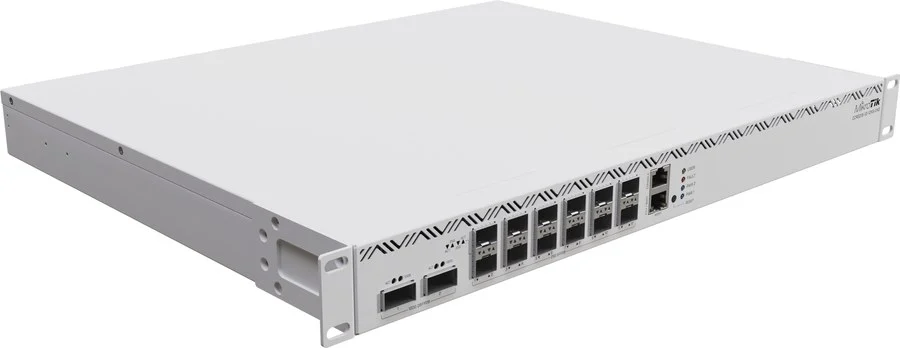
MikroTik
MikroTik CCR2216-1G-12XS-2XQ
Flagship za data centre i 25G/100G okruženja
- 16-core CPU, 16 GB RAM, 12× 25G SFP28 i 2× 100G QSFP28 porta
- Dual redundant hot-swap napajanja i 4 zamenska ventilatora
- Dva M.2 SATA slota, L3 hardware offloading za routing
Drop-in zamena za CCR1072 – isti PSU i SFP moduli.
Not sure which router you need?
Tell us how many users and links the network carries – we will propose a model without overdoing it.
What is useful to include
- The number of users, sites and internet links
- VPN access and traffic between locations
- Whether the router should also carry firewall rules
No models match this combination. Deselect filters or contact us.
For the NGFW role (IPS, web filtering, application control) we combine the same models with the firewall catalog – see Network security.
AI networking
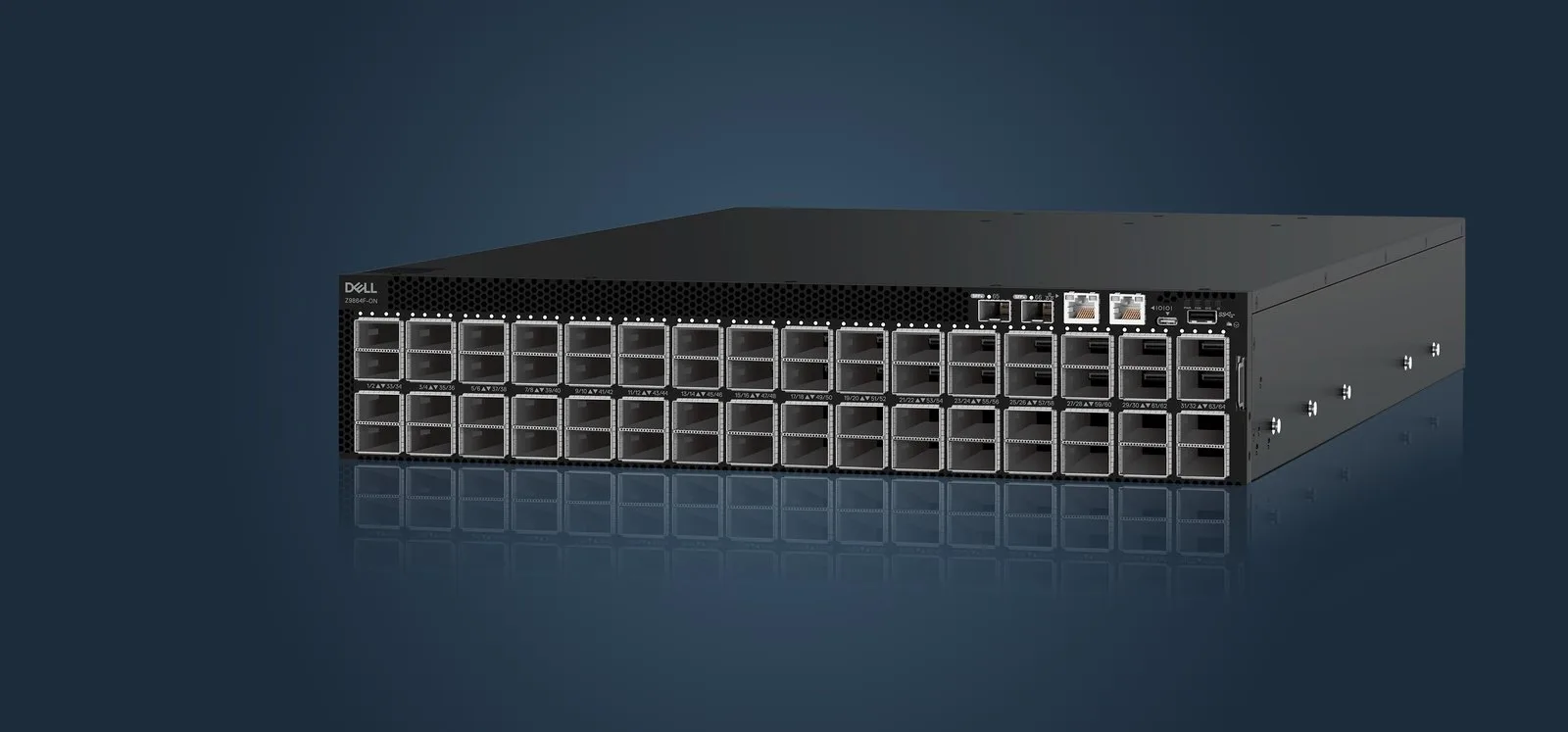
Building a GPU cluster? That is what AI switches are for
For the fabric carrying traffic between GPU nodes we deliver Dell PowerSwitch and NVIDIA switches: 400G and 800G Ethernet, InfiniBand and Enterprise SONiC, with optics as specified. Design and commissioning are arranged separately, at your request.
Why it pays off
What a company gains from a network that works
You do not see a good network – you see it in everything else running without a story.
Employees reach information faster
Everyone accesses files and applications quickly and securely – from the office, the field and home.
Locations joined into one whole
Data flows between the office, warehouse and production without stops, as if they were in the same building.
Business systems without interruptions
Demanding applications (ERP, business systems, phones) run stably – the network carries them instead of choking them.
Real-time insight into traffic
Through the manufacturer tool you see what is happening on the network: traffic, devices and potential problems – before they become incidents.
How we build the network
Four steps, nothing skipped
The network is designed first and only then built – an order that saves cables, time and nerves.
01
Assessment
A site visit or an inquiry: the rooms, the number of users, the devices hanging on the network and what causes problems today.
02
Design
Topology, access-point positions, a cabling plan and rack space – with the reasoning behind every decision.
03
Execution
Cabling, rack and AP mounting, switch configuration – in stages, with minimal disruption to work.
04
Test and handover
Every access point is tested. You receive documentation, monitoring instructions and IT team training.
Packages
Start, Business and Enterprise – by building size
We size by the space, the user count and the applications – not by the number of boxes on the table.
Start
An office of up to ~50 employees
One floor, one office.
- A PoE switch and 2–4 access points
- A guest network separated from business
- Cabling matched to the space – at your request
- Mounting, test and commissioning – at your request
Most popular
Business
50–200 employees, multiple floors
More switches and unified Wi-Fi.
- Multiple PoE switches joined into one network
- 4–12 access points with seamless handover
- VLAN segmentation: business, guest, cameras
- Network documentation and IT team training – at your request
Enterprise
200+ employees / multiple sites
Redundancy and unified management.
- A redundant core and backup links
- Unified management of multiple sites
- An expansion plan and staged procurement
- Priority service support
FAQ
Frequently asked questions
Solutions
Related solutions
Solutions that most often go together with this project.
Servers & storage
Rack servers, all-flash and hybrid storage from Dell, HPE, Lenovo and Supermicro: design, rack, installation, commissioning and virtualization by agreement.
Network security
Firewall, UTM and VPN protection for companies: control of traffic, access and remote work. Appliance, licence and commissioning.
Access control & CCTV
Card or app entry control and video surveillance with recording. Complete equipment, installation and setup.
Request a proposal
Tell us the floor area, the number of employees and the number of access points – we will come back with a topology, equipment and timeline proposal.


Planning a move or a renovation?
The easiest way is to design the network before the joinery and the move. Invite us into the early stage – you will avoid retroactive cabling.