Video conferencing on the platform you already use – Teams, Zoom, Meet or BYOD
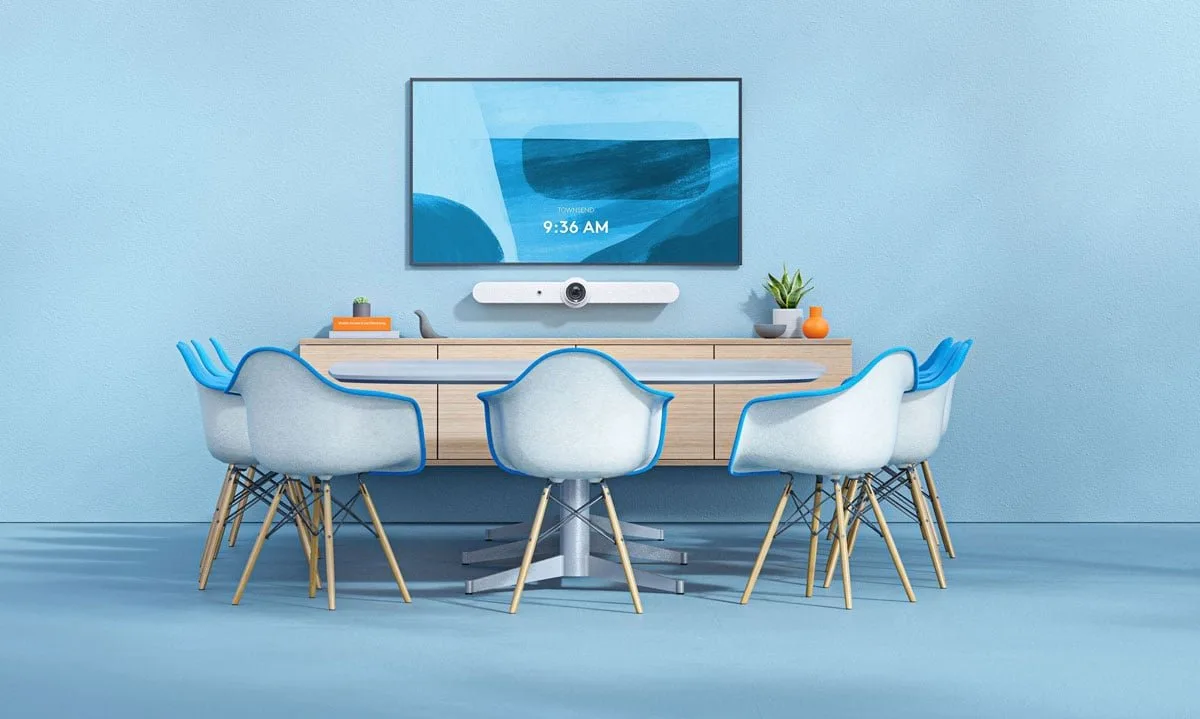
We choose the system by platform and room size: a video bar for smaller spaces, a modular system for large ones. We mount it, connect it to your calendar and stay with the equipment through management and service.
-
 Microsoft Teams Rooms · Zoom Rooms · Google Meet · BYOD
-
Logitech, Poly, Yealink – or mixed
-
Mounting, management and service on request
Meeting services
The platform is software in the cloud – the room has to support it
We sell Teams, Zoom, Google Meet and Webex licences, supply equipment and commission the room. We agree the plan, user or room count and licence type with you – user licences or licences for dedicated rooms.
Microsoft Teams Rooms
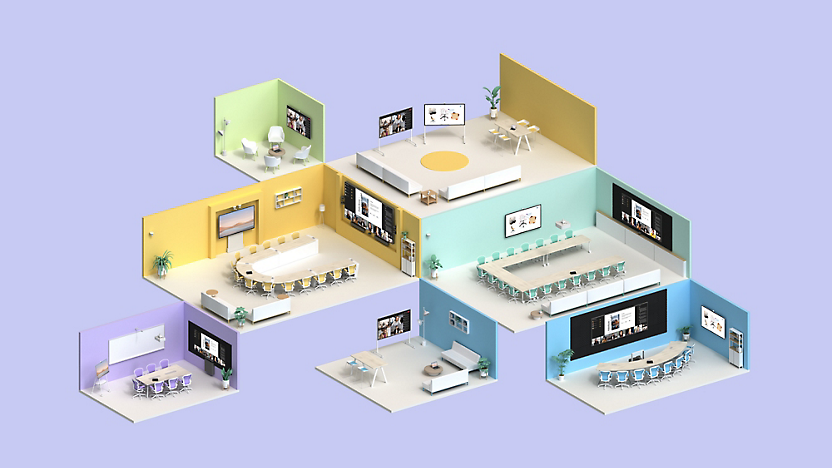
The room becomes part of your Microsoft 365 environment: the Outlook calendar knows when the meeting is, and one touch on the controller starts the join – no adapters and cables across the table. The experience is the same as Teams on a laptop, just with a wide-angle camera, clean audio and remote participants who hear everything clearly. In practice that means a mini-PC, a certified bar and a touch controller, connected and configured as one system.
What we need from you
Your Microsoft 365 tenant, user and room counts, and details of existing licences.
What we do
Licenses under the agreed plan. Certified hardware – Logitech, HP Poly or Cisco by agreement. Mounting, tenant connection and a first-call test at your request.

Zoom Rooms
The room runs in your Zoom environment: the calendar is linked to the account and the tabletop controller starts a meeting with one touch. Devices with supported presence detection can wake the room camera and audio when someone approaches. Everything runs in the Zoom Rooms app – the room is always ready, with no laptop to connect. We offer suitable Zoom licences for users and dedicated rooms. We agree the required plan and licence type for your use case. We supply the equipment and commission the room.
What we need from you
Your Zoom account, user and room counts, and details of existing licences.
What we do
Licenses under the agreed plan. A certified device (bar, controller, a mini-PC if needed). Mounting and a call test at your request.
Google Meet
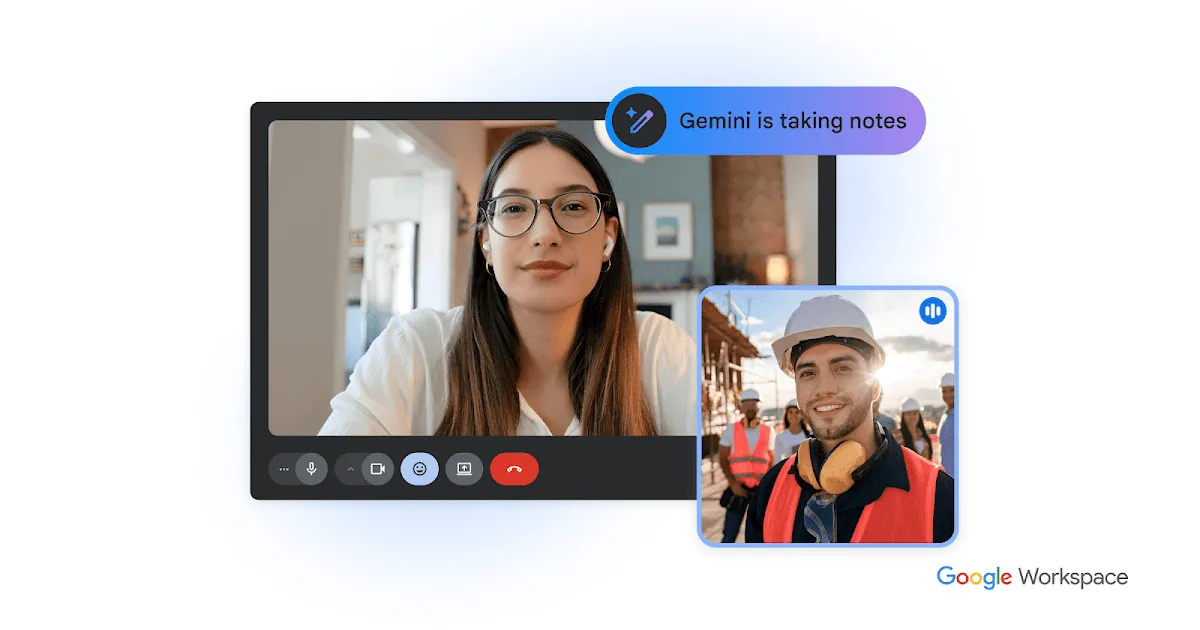
For teams that live in Google Workspace: the calendar carries the meeting invite, one touch on the controller and everyone is in the room. Meet-certified cameras, microphones and controllers behave like an extension of your account, not like an external device. For guests and occasional meetings a BYOD laptop connection always remains, so the room covers both scenarios.
What we need from you
Your Google Workspace domain, user and room counts, and details of existing licences.
What we do
Licenses under the agreed plan. Certified devices. Mounting, calendar connection and a room test at your request.
Cisco Webex
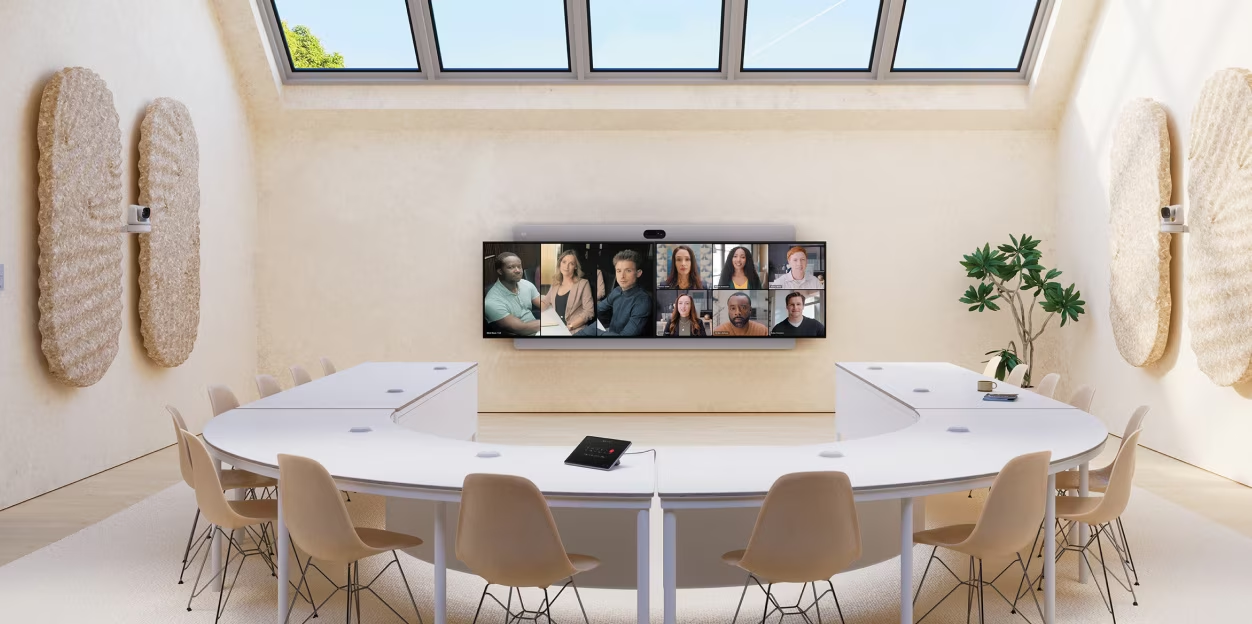
Webex joins the Meetings platform and Cisco devices running RoomOS: a touch screen, a camera that follows the speaker and audio that covers the whole room. The strength of these devices is flexibility – the same Cisco device can run Webex, Teams and Zoom meetings, so the room is not tied to one platform. We can deliver a Cisco Room Bar or Room Kit when that is part of the offer, or a certified bar from another brand for Webex rooms. Webex licences are available from us. We agree the plan and licence type for the user count, rooms and working setup.
What we need from you
Your Webex account, user and room counts, and details of existing subscriptions.
What we do
Licenses under the agreed plan. A Cisco Room Bar/Kit by agreement, or a certified bar from another brand. Mounting and device registration at your request.
BYOD – a meeting from a personal laptop
Not a separate platform: a guest or colleague connects a laptop to the room camera, microphones and speakers over USB, and to the display through a supported HDMI or USB-C connection, while the meeting runs from their own computer – in any application, with no room account and no installs.
Video bar
What is a video bar, and why has it become the standard?
A video bar combines the camera, microphones and speakers in one unit below the display. USB models require a laptop or room computer. Models with a supported appliance mode can run the meeting app without a separate computer.
Participant count is the starting point for selection – 1–5 is a huddle, 6–8 small, 9–13 medium, 14+ a large room. Room dimensions, layout and acoustics determine whether a modular system with a PTZ camera and additional microphones is needed.
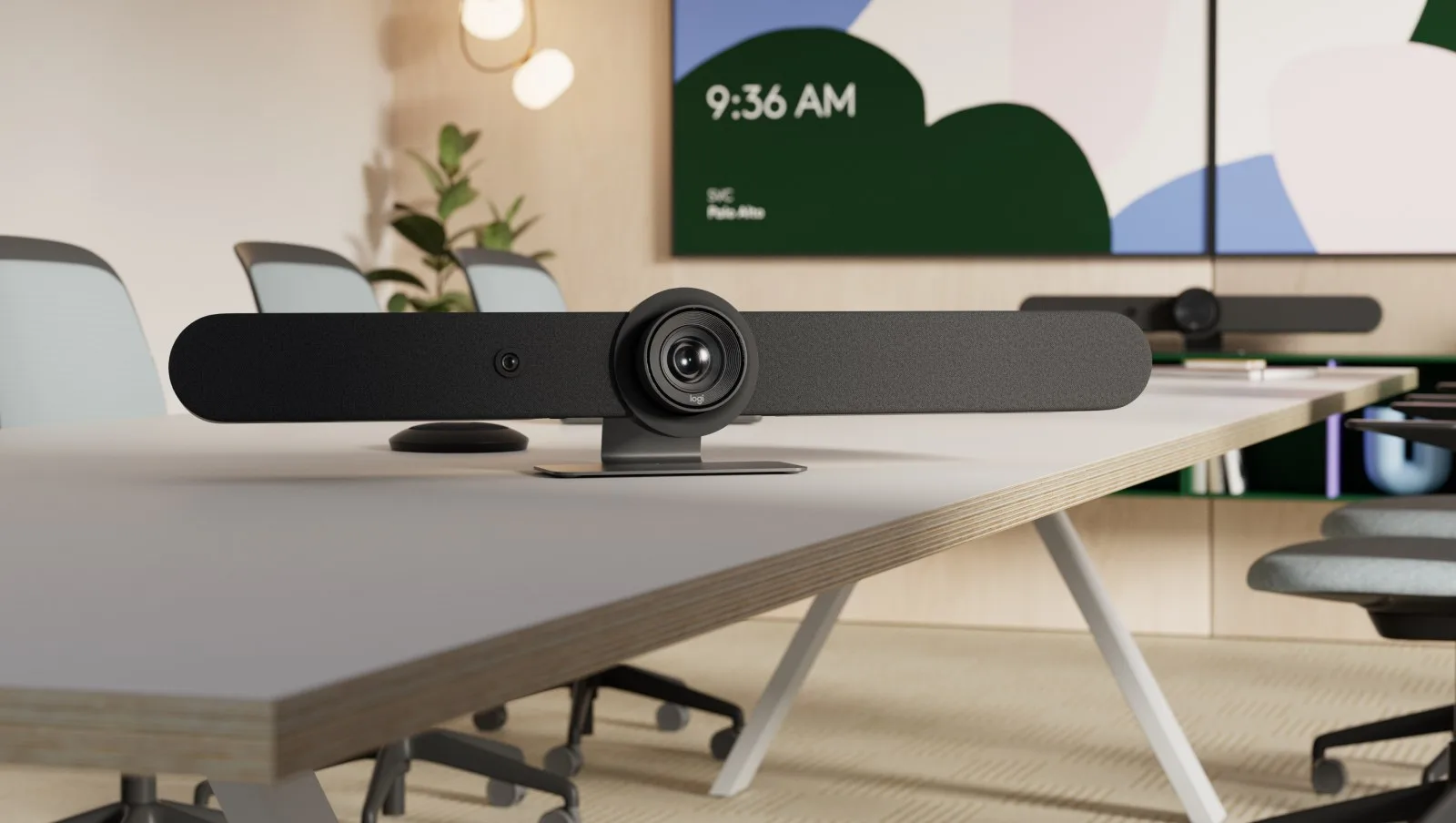
- Combines the camera, microphones and speakers in one device
- AI framing follows who is speaking and gathers the whole table into the shot (RightSight, DirectorAI, IntelliFocus)
- AI suppresses noise and preserves a natural voice (NoiseBlockAI, Acoustic Fence, RightSound)
- USB models require a laptop or room computer. Supported appliance models can run the meeting app without a separate computer
- The tabletop controller is optional – it adds one-touch join and a view of the room calendar
Choice by manufacturer
Start, Business and Enterprise – by brand or mixed
Pick a manufacturer for concrete configurations with the key specifications. Under “Mixed” we combine the best of several offers to match your space and budget.
Rally Bar Huddle / MeetUp 2
Huddle and small rooms. The computer requirement depends on the selected model.
- MeetUp 2: 4K 120° camera, 4x HD zoom, 6 microphones reaching up to 7 m, an 8W speaker
- Rally Bar Huddle: AI video intelligence and noise suppression in a small package
- Rally Bar Huddle supports appliance mode and USB/BYOD. MeetUp 2 requires a laptop or room computer in USB mode
- The controller and meeting platform are selected to match the device and operating mode
All-in-one variant: Rally Board 65 – camera, audio, controller and computer in a 65“ screen.
Rally Bar Mini + Tap IP
Medium rooms with a full room system.
- Rally Bar Mini + Tap IP (10.1“ display, one-touch join, room calendar)
- Alternative: Tap + Lenovo ThinkSmart Core Gen 2 – a Core Ultra 7 computer built to run 24/7/365
- A 55–65“ display optionally included in the kit
- Mounting, cabling and account configuration – at your request
Rally Bar / Rally Plus + Sight
Large rooms and boardrooms.
- Rally Bar + Tap IP + Sight (tabletop second-angle camera with smart participant framing) + Mic Pod
- Alternative: Rally Plus – a 4K camera with 15x zoom, 2 microphone pucks (4.5 m reach each) and 2 speakers
- A RoomMate as the room computer, 1–2 displays at 75–86“
- Logitech Sync management, training and service at your request. Scribe for the whiteboard if needed
Poly Studio R30 / X32
Small rooms and huddle spaces.
- Studio R30 – a USB bar for small spaces. Studio X32 – a bar in room mode
- 95° lens, 5x digital zoom, microphone reach ~4.5 m
- DirectorAI frames the room “like a director”. NoiseBlockAI and Acoustic Fence clean the audio
- Optional: TC8 touch controller
Poly Studio X52 + TC8/TC10
Medium rooms with an HP room computer.
- Studio X52 + a TC8 or TC10 controller (one cable for power and connection)
- HP Mini Conferencing PC for full room mode
- The 95° lens “catches every face at the table”, 5x zoom, 6 m reach
- Optional 55–65“ display in the kit. Mounting and configuration on request
Poly Studio X72 / V72 + E70
Large rooms and boardrooms.
- Studio X72 / V72 – dual 4K sensors (120° and 70°), 7.3x zoom, 7.5 m reach
- Studio E70 – a tabletop/remote camera with two 20MP sensors for the second angle
- The G7500 modular system + TC10 controller, 1–2 displays at 75–86“
- Poly Lens fleet management, training and service – at your request
MeetingBar A25 + CTP25
Small rooms for Teams and Zoom.
- A25 – a “tri-shot” video bar: 1 ultra-wide camera (151°) + 2 telephoto lenses for facial detail
- 8 microphones reaching up to ~5 m with AI noise removal, a 10W speaker
- The CTP25 10.1“ controller – the “command center” of a huddle room
- Optional: MeetingBoard Pro 65/75 – everything in one screen with a writing board
ZVC S40 / MVC640
Ready-made kits per platform.
- ZVC S40 (Zoom): a SmartVision 40 bar with two 4K cameras, an MCore 4 mini-computer, an MTouch Plus 11.6“ controller and a ceiling RoomSensor
- MVC640 (Teams): a UVC84 4K PTZ camera with 12x optical zoom, MTouch II, an audio base and 2 wireless microphones
- 8 MEMS microphones, reach up to 6 m, stereo speakers
- A 55–65“ display optionally included in the kit
ZVC / MVC S80, S90, S98
Large and XL rooms.
- S80 – a four-lens camera (PTZ 20x + 2 telephoto + panorama) for rooms of 12–20 people
- S90 – two UVC86 PTZ cameras (12x zoom) via AVHub: “even the back row is seen clearly”
- Microphone options on the table and on the ceiling (VCM35/VCM38), an MTouch Plus controller
- 1–2 displays at 75–86“. Yealink Device Management setup, training and service at your request
The best fit for the room
Chosen by acoustics and room shape.
- MeetUp 2, Poly Studio R30 or A25 – matched to the space
- An optional touch controller
- Holder and cables in the kit
- Mounting and an audio test on request
A mixed kit
E.g. a Logitech camera + a Lenovo computer.
- Rally Bar Mini + Tap IP + Lenovo ThinkSmart Core Gen 2
- Alternative: Poly Studio X52 + TC10 + HP Mini PC
- A 55–65“ display matched to the room
- Always adapted to your calendar and budget
Configured per project
Large rooms and specific requirements.
- Rally Bar + Sight, Poly X72 + TC10 or a Yealink S90
- A Cisco Room Kit Pro for companies on Webex
- 1–2 displays at 75–86“ and audio distribution across the room
- Equipment management, training and service – at your request
Displays and mounts are selected to suit your rooms. Installation and other work are agreed separately at your request, with the scope and schedule listed in the quote.
Products
Models we sell and install
Concrete devices, certified for the leading platforms. Every card goes straight to inquiry – the quote arrives with the specification of exactly that model, plus an alternative if it is unavailable.
Logitech
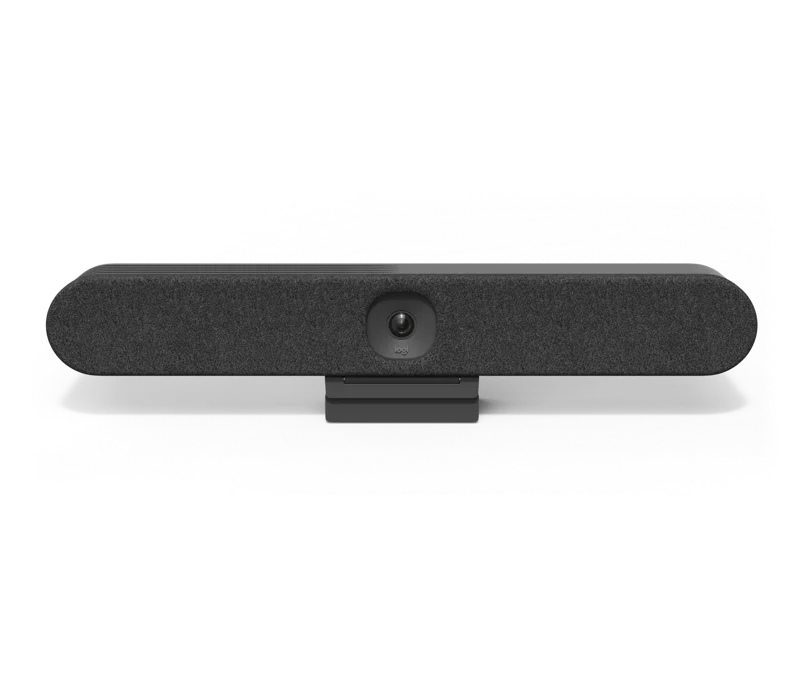
Logitech Rally Bar Huddle
Huddle i male sale
- Video bar „sve u jednom” dimenzionisan za huddle prostore
- Radi kao sistem sobe (appliance) i kao USB periferija za laptop
- AI kadrovanje govornika i praćenje glasa u prostoriji
Tap IP kontroler se dodaje opciono. Računar nije potreban.
Logitech
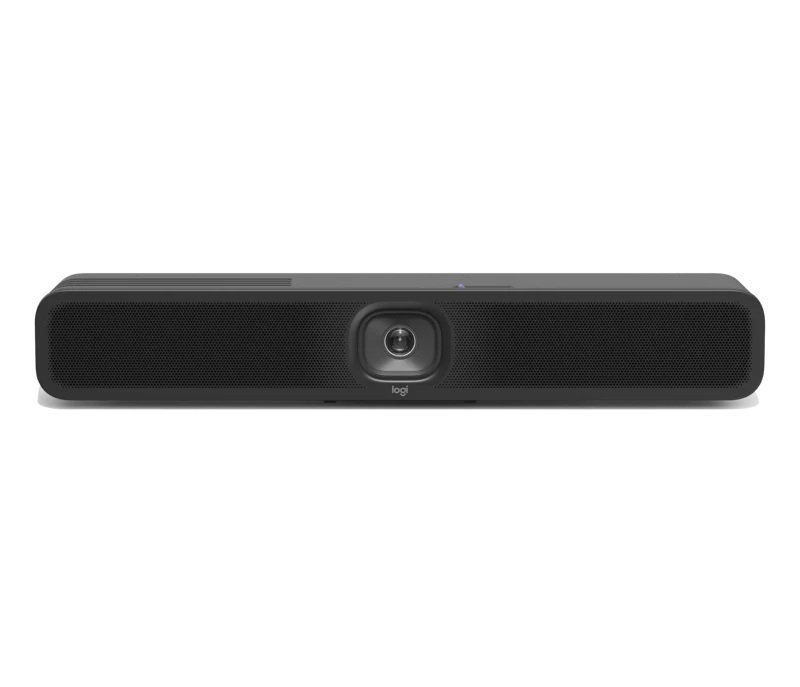
Logitech MeetUp 2
Huddle i male sale (4–6 ljudi)
- Kamera, mikrofoni i zvučnik u jednom uređaju ispod ekrana
- Priključuje se preko USB-a – radi sa bilo kojim laptopom (BYOD)
- AI kadrovanje govornika i prigušivanje buke. Sertifikovana za Teams i Zoom
Za rad je potreban laptop u BYOD režimu ili računar sale. Kontroler se bira prema konfiguraciji.
Logitech
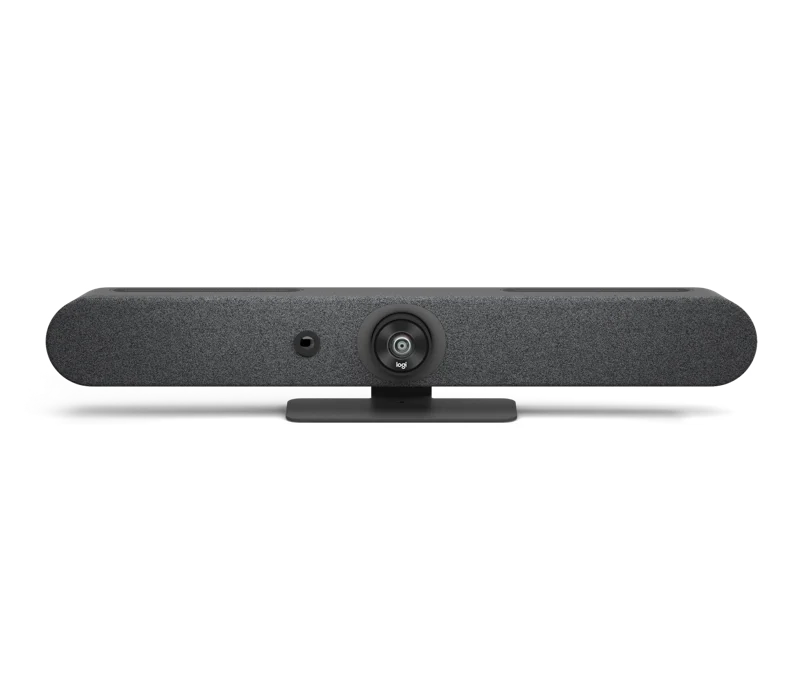
Logitech Rally Bar Mini
Male do srednje sale
- Bar sa zumom 5x i AI kadrom – hvata ceo sto i dalje redove
- Appliance režim za Microsoft Teams Rooms i Zoom Rooms
- USB režim za sastanak sa ličnog laptopa (BYOD)
Tap IP kontroler opciono. Računar nije potreban u appliance režimu.
Logitech
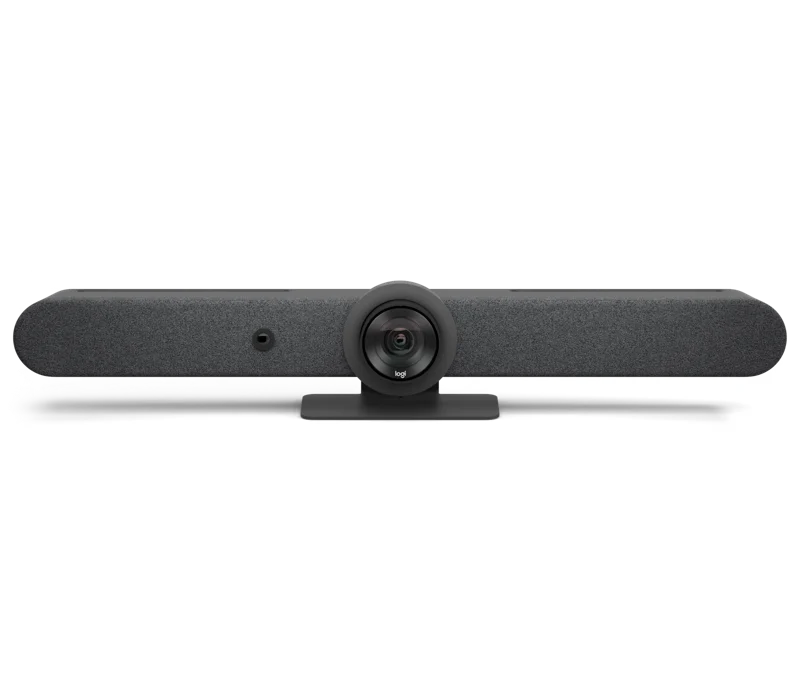
Logitech Rally Bar + Tap IP
Srednje i velike sale
- Profesionalni video bar sa Tap IP dodirnim kontrolerom na stolu
- Kamera sa AI kadrom i zumom 5x, izlaz na do dva ekrana
- Pridruživanje sastanku jednim dodirom, kalendar sale na kontroleru
Računar sobe nije potreban u Android (appliance) režimu.
Logitech
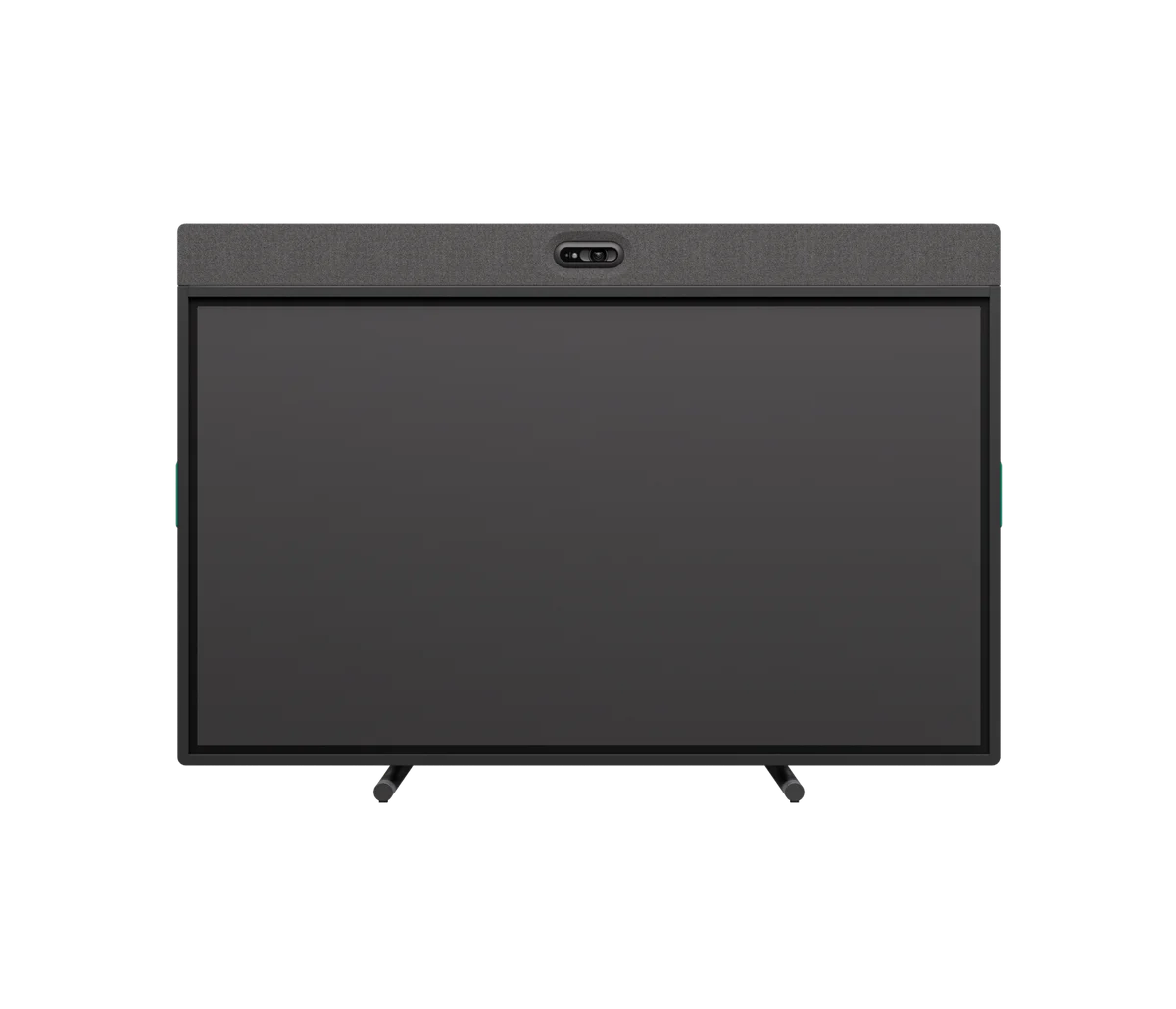
Logitech Rally Board 65
Huddle i male sale – sve u jednom ekranu 65“
- Ekran 65“ sa ugrađenom kamerom, mikrofonima i zvučnicima – jedan uređaj, jedan kabl
- Režim sobe (Teams/Zoom) i USB/BYOD režim za sastanak sa laptopa
- Dodatak za pisanje: bela tabla na dodirnom ekranu
Ne traži zaseban TV, računar ni kontroler.
Logitech
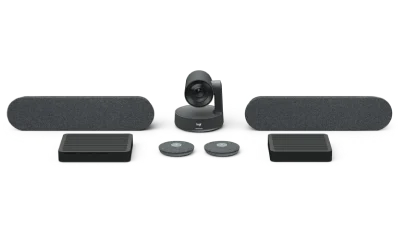
Logitech Rally Plus
Velike sale i sale uprave
- Modularan sistem: PTZ kamera sa zumom 15x i zvučnici po meri sale
- Proširuje se mikrofon-podovima za duge stolove
- Podržava dva displeja i velike sastanke
Računar sobe (npr. RoomMate) i kontroler se dodaju po konfiguraciji.
Logitech
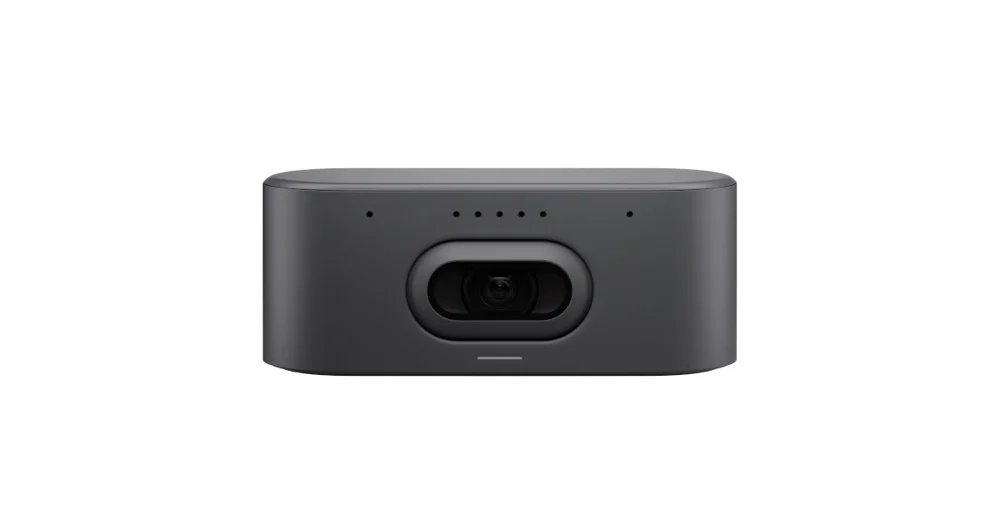
Logitech Rally AI Camera
Srednje i velike sale – AI PTZ kamera
- AI PTZ kamera: automatski kadrira govornika i prati sastanak
- 4K objektiv, montaža na zid ili na sto
- Radi sa RoomMate računarom sobe ili kao USB kamera
Računar sobe (npr. RoomMate) i kontroler se biraju posebno.
Logitech
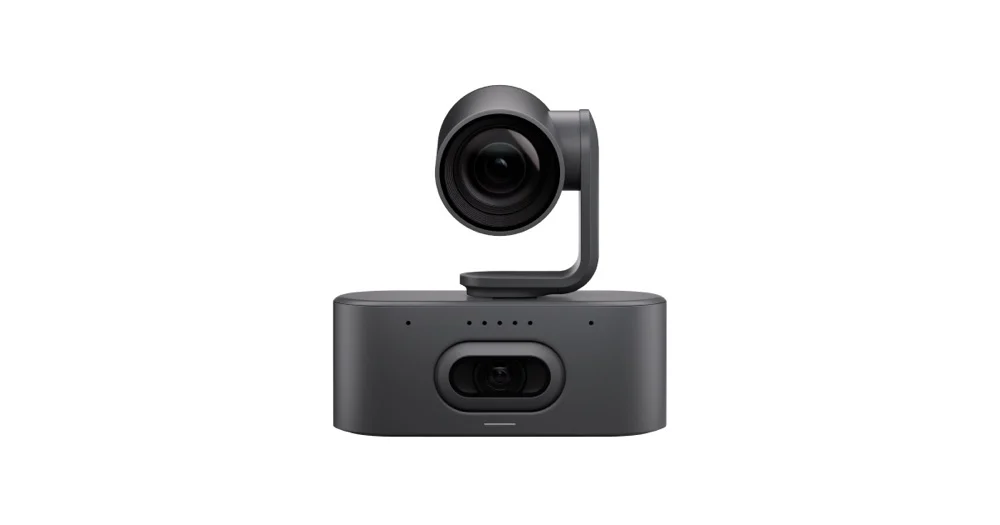
Logitech Rally AI Camera Pro
Velike sale i sale uprave – AI PTZ kamera
- Jača varijanta AI kamere: veći zum i domet za velike sale
- Inteligentno kadrovanje više govornika u realnom vremenu
- Integracija sa Rally sistemima i RoomMate-om
Računar sobe i kontroler se biraju posebno.
Logitech
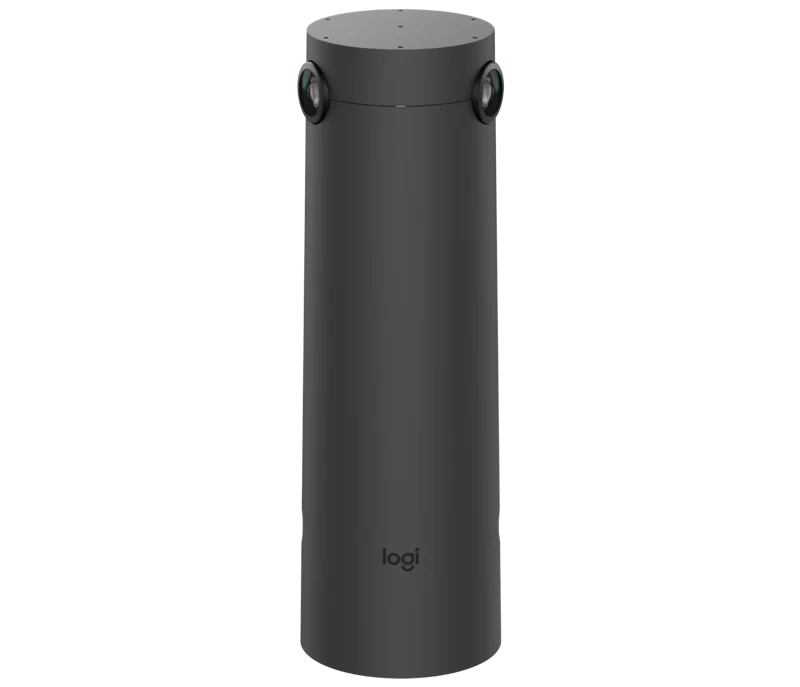
Logitech Sight
Velike sale – kamera drugog ugla
- Stona kamera sa dva 4K objektiva za učesnike sa strane stola
- Pametno kadrovanje pokazuje ko govori – uz Rally Bar i Rally Plus
- Radi u portretu i pejzažu, vidno polje 315°
Dodatak uz Rally Bar / Rally Plus – ne radi samostalno.
Logitech
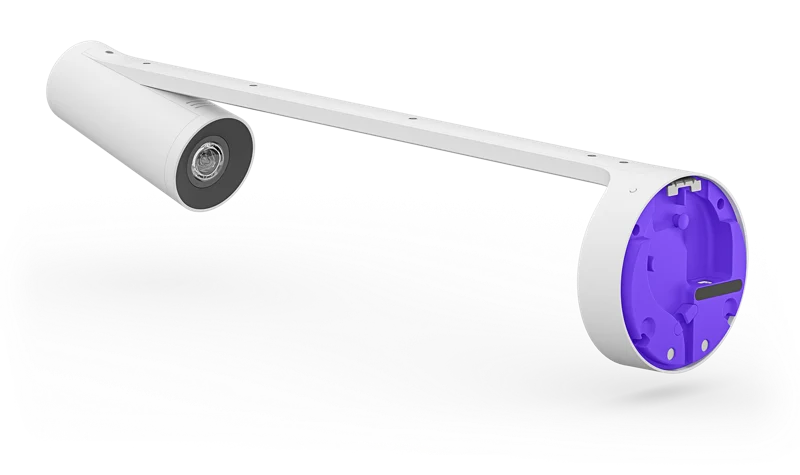
Logitech Scribe
AI kamera za belu tablu
- Snima belu tablu odozgo – daljinski učesnici prate pisanje uživo
- AI izdvaja sadržaj table od ljudi ispred nje
- Deli tablu u Teams i Zoom sastanku jednim dodirom
Dodatak uz sistem sobe, montira se iznad table.
Logitech
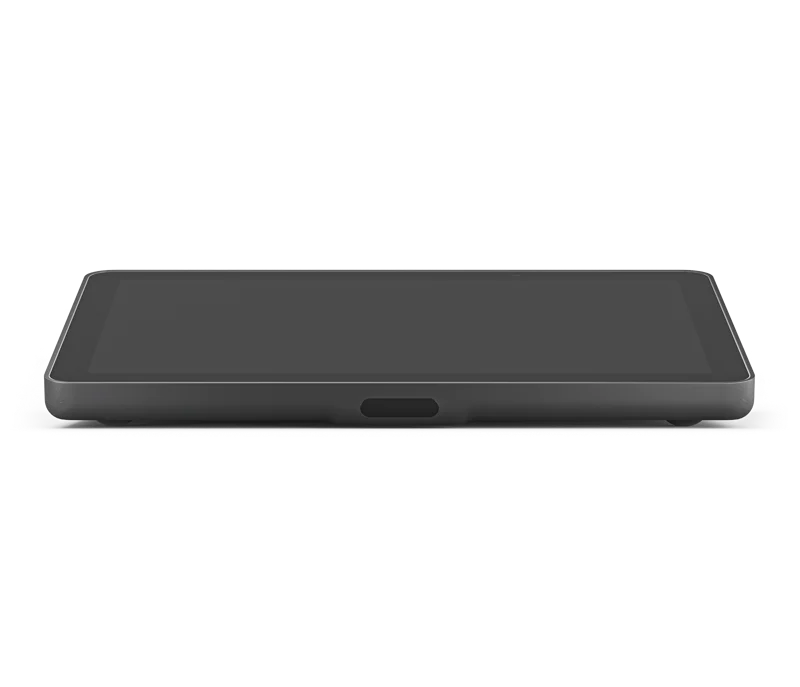
Logitech Tap IP
Kontroler za sale svih veličina
- Dodirni kontroler 10,1″ za Rally Bar sisteme
- Kalendar sale i pridruživanje sastanku jednim dodirom
- Na stolu ili na zidu, uz jedan mrežni kabl (PoE)
Dodatak uz bar – ne zamenjuje kameru ni računar.
HP Poly
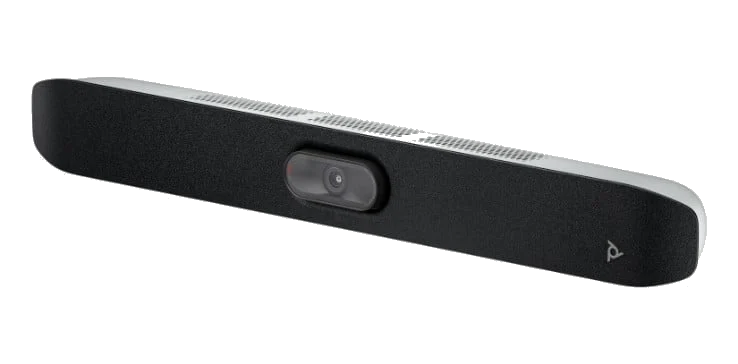
HP Poly Studio X32
Huddle i male sale
- Kompaktni all-in-one bar za male sale i huddle prostore
- Poly OS – radi kao sistem sobe bez posebnog računara
- USB režim za sastanak sa laptopa (BYOD)
TC8 kontroler se dodaje opciono.
HP Poly
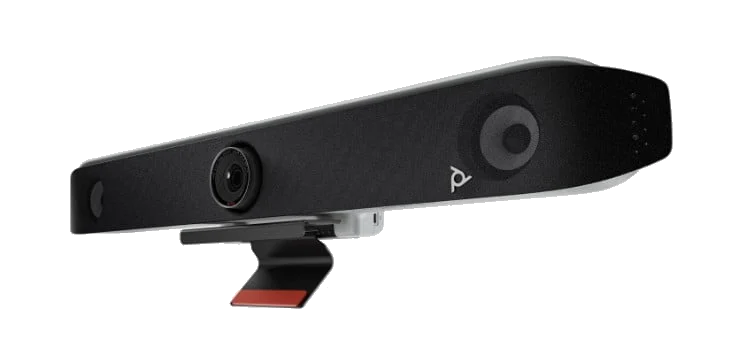
HP Poly Studio X52
Srednje sale (6–10 ljudi)
- Videobar sa AI kamerom i stereo zvukom za srednje sale
- Poly OS: Teams i Zoom bez dodatnog računara
- Domet mikrofona do ~6 m, AI kadrovanje sale
TC8/TC10 kontroler i HP Mini PC se dodaju za puni režim sobe.
HP Poly
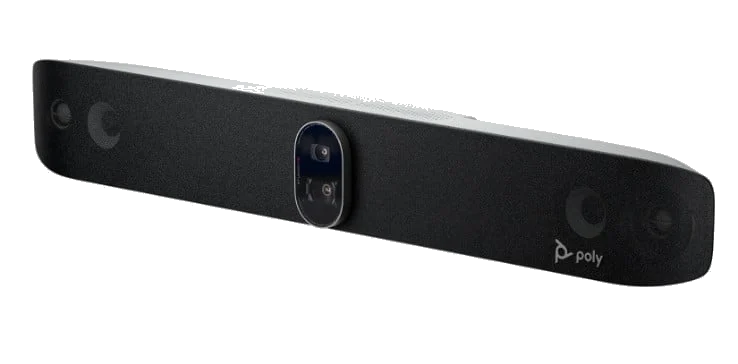
HP Poly Studio X72
Velike sale (10+ ljudi)
- Dvostruka 4K kamera sa AI praćenjem govornika
- Namenski audio za velike sale, domet do ~7,5 m
- Radi sa Teams i Zoom Rooms, uz USB režim za laptop
TC10 kontroler i HP Mini PC se dodaju za puni režim sobe.
HP Poly
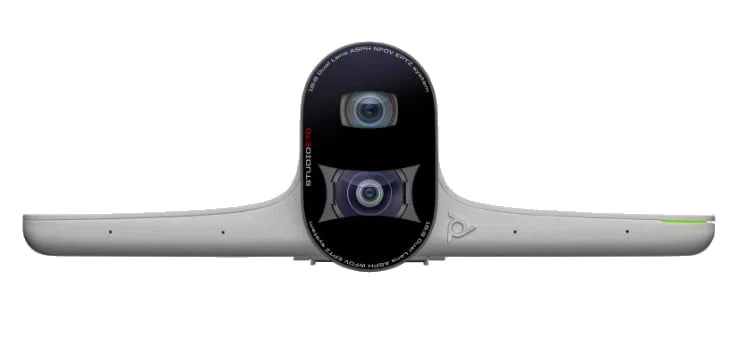
HP Poly Studio E70
Velike sale – kamera drugog ugla
- Dva 20MP senzora: široki kadar + zum za detalje lica
- AI kadrovanje učesnika sa strane stola, uz X72/G7500 sistem
- Stona ili zidna montaža, povezivanje preko USB/mreže
Dodatak uz sistem sobe – ne radi samostalno.
HP Poly
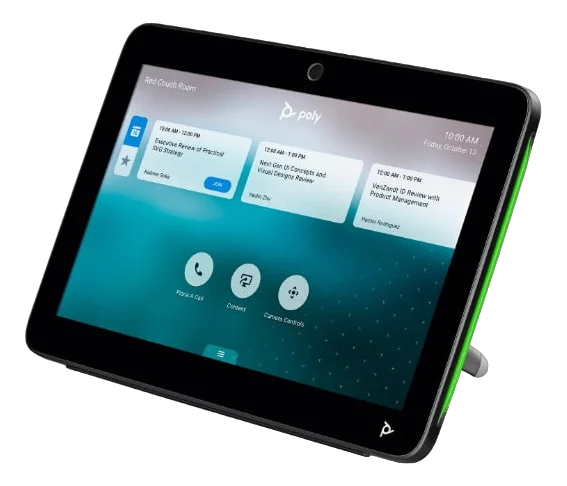
HP Poly TC10 / TC8
Kontroler za sale svih veličina
- Dodirni kontroler (10″ TC10 ili 8″ TC8) za sisteme Poly X/R serije
- Kalendar sale i pridruživanje sastanku jednim dodirom
- Na stolu ili na zidu, napaja se preko mreže (PoE)
Dodatak uz sistem sobe – ne zamenjuje bar ni računar.
HP Poly
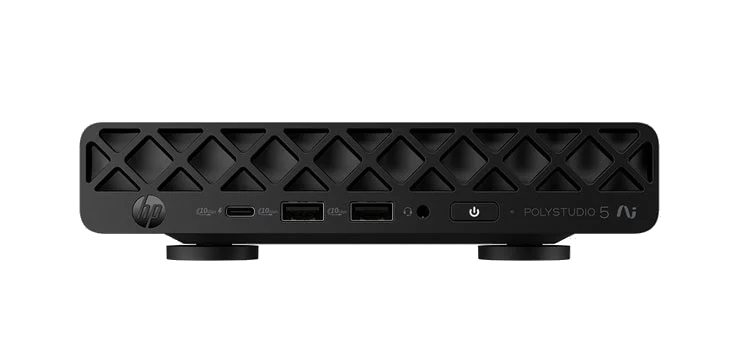
HP Poly Studio Room Compute
Mini-PC za Teams Rooms i Zoom Rooms
- Mini računar sobe (linija Mini Conferencing PC-a) za sistem sobe
- Pokreće salu kada bar radi u USB/BYOD režimu
- Tiho radi iza ekrana, upravlja se sa TC8/TC10 kontrolerom
Računar, ne bar – kameru i zvuk birate posebno.
Yealink
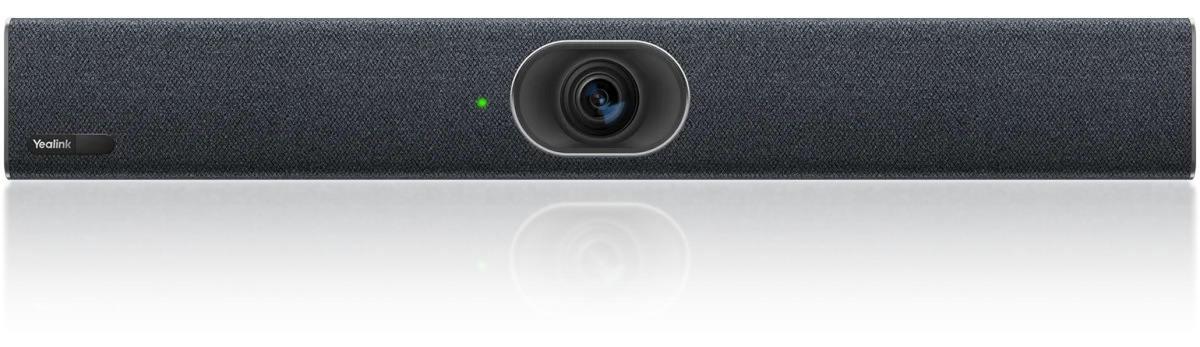
Yealink MeetingBar A20
Huddle i male sale
- All-in-one bar: kamera, mikrofoni i zvučnik u jednom uređaju
- Radi kao sistem sobe (appliance) ili kao USB periferija (BYOD)
- Sertifikovan za Microsoft Teams i Zoom
Kontroler CTP25 se dodaje opciono. Računar nije potreban.
Yealink
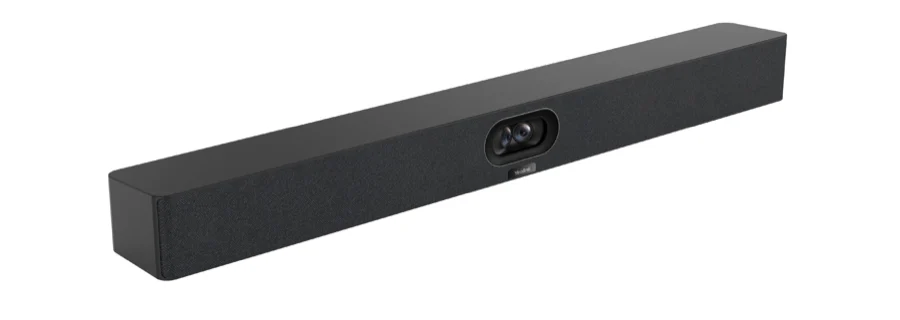
Yealink MeetingBar A40
Male do srednje sale
- Dvostruka kamera sa AI kadrom – vidi ceo sto i detalje lica
- Radi kao sistem sobe (appliance) ili kao USB periferija (BYOD)
- Sertifikovan za Teams i Zoom, uz AI praćenje govornika
Računar sobe nije potreban. MTouch Plus kontroler se dodaje opciono.
Yealink
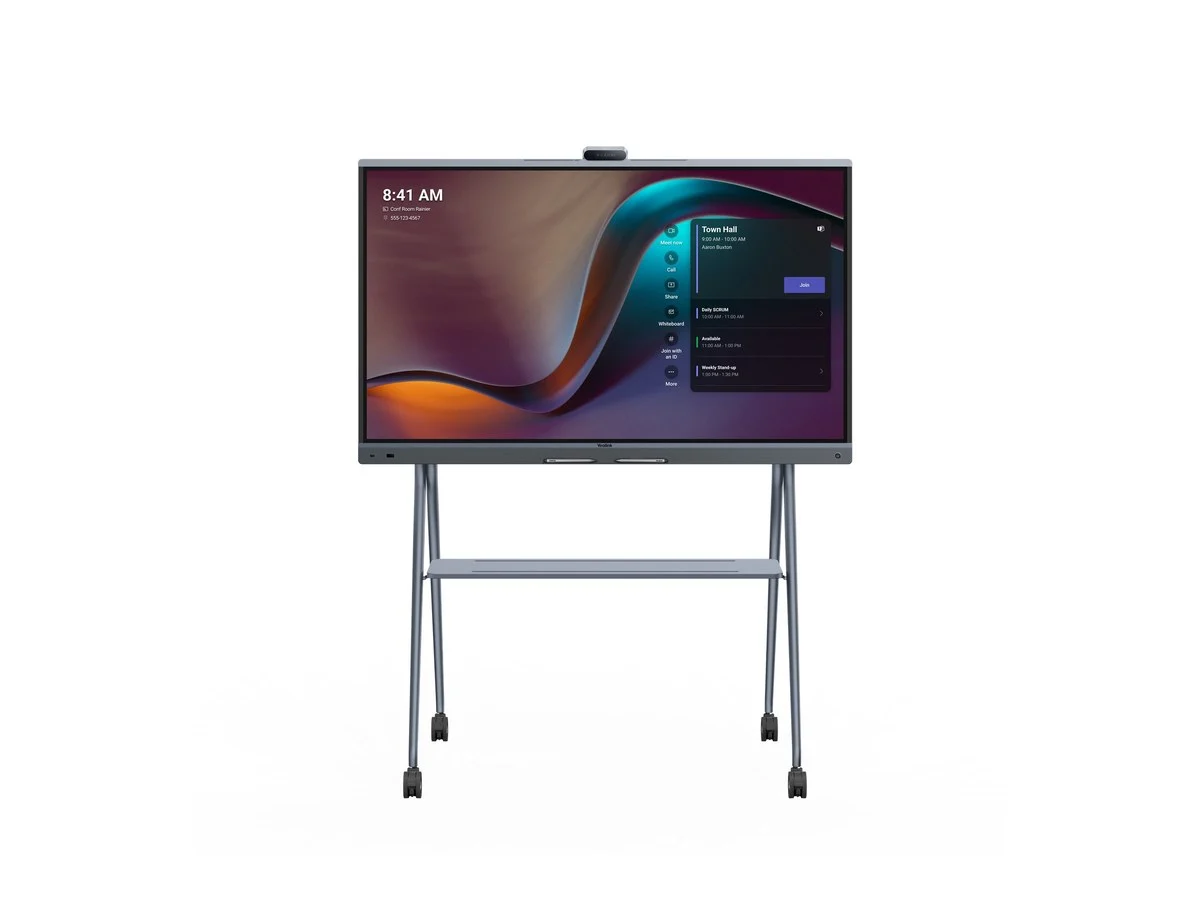
Yealink MeetingBoard Pro 65 / 75
Huddle i male sale – kamera, zvuk i bela tabla u ekranu
- AI kamera sa kadrovanjem govornika i električnom zaštitom objektiva
- Režim sobe (Microsoft Teams Rooms) i BYOM/BYOD povezivanje
- Bela tabla sa olovkama: pisanje bez kašnjenja, sadržaj ostaje u sastanku
Varijante 65“, 75“ i 86“ – zamenjuje raniji model MeetingBoard 65/75.
Yealink
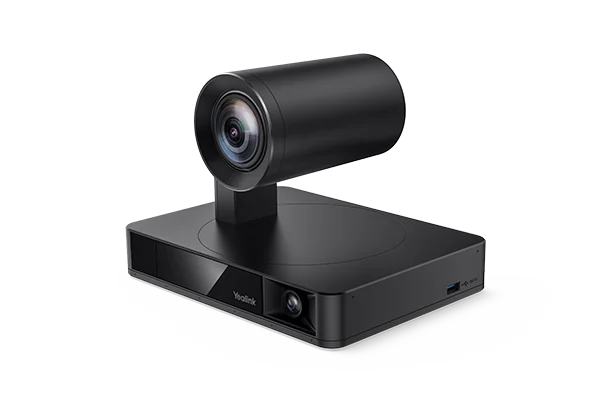
Yealink UVC86
Srednje i velike sale – PTZ kamera
- PTZ kamera sa dva objektiva: panorama sale + zum za detalje
- Za velike sale i sale uprave, uz MVC/ZVC sistem sobe
- USB povezivanje, radi sa Teams i Zoom Rooms sistemima
Dodatak uz sistem sobe: MCore mini-računar i MTouch Plus kontroler.
Yealink
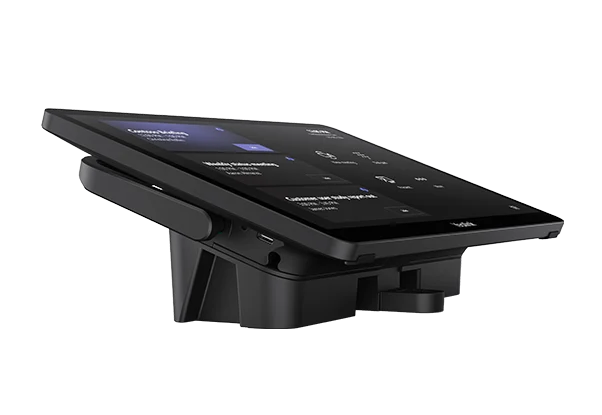
Yealink MTouch Plus
Kontroler za sale svih veličina
- Dodirni kontroler 11,6″ za MVC i ZVC sisteme sobe
- Kalendar sale, pridruživanje jednim dodirom i upravljanje sobom
- Na stolu ili na zidu, napaja se preko mreže (PoE)
Dodatak uz sistem sobe – ne zamenjuje bar ni računar.
Cisco
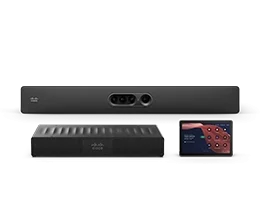
Cisco Room Kit Pro G2
Velike sale i sale uprave – kompletan sistem
- Kompletan sistem sobe: bar, računar i dodirni kontroler
- RoomOS: isti uređaj vodi Webex, Teams i Zoom sastanke
- AI kadrovanje, nadzor i dijagnostika preko mreže
Webex licence možete kupiti kod nas. Plan licence i način registracije uređaja potvrđujemo u ponudi.
Not sure which room system?
Describe your rooms and platform in the form – we will propose a video bar or a system sized to each room.
What is useful to tell us
- The number of rooms and how many people sit in each
- The platform – Teams, Zoom, Meet or BYOD
- Whether the room already has a display and a computer
No models match this combination. Deselect filters or contact us.
With every bar or system we also look after the controller and the room computer – the model card states what is added separately.
After the installation
The equipment is only half the job
A room system also needs to be maintained: someone has to know when something failed, it needs upgrading, and people need to know how to use it.
Monitoring of the whole fleet
The equipment is managed through the manufacturer portal – Logitech Sync, Poly Lens or Yealink Device Management: device status, upgrades and alarms in one place.
Training for teams and administrators
At your request, we arrange a short training session at handover: how to join a meeting, share content and book the room – for users and for IT support.
In-warranty and out-of-warranty service
During the warranty we run the process with the manufacturer for you. After it expires – out-of-warranty service and a staged equipment replacement plan.
Platforms and environments
FAQ
Frequently asked questions
Solutions
Related solutions
Solutions that most often go together with this project.
Conference room kits
Ready-made equipment packages for rooms of 1–8, 9–13 and 14+ people: camera, audio, controller, screen, mounts and installation – all in one quote.
Meeting room booking
Meeting room booking software: “available / busy” status, daily schedule and booking from the panel by the door. Syncs with Microsoft 365, Google and CalDAV calendars.
Enterprise Networks & Wi-Fi
Network design and build: switches and Wi-Fi 6/7 access points, installation and commissioning. Reliable internet in the office, warehouse and production.
Request a kit specification
Tell us how many rooms you have and which platforms you use – we will come back with a specification sized to the rooms, covering equipment, work and timelines.


Want to see the system live?
We show video conferencing in action – in your rooms or in a video call, with the equipment we propose for your space.